Access Point Setup On TP-LINK Router For Kids Safety
In today's digital age, internet safety is a top concern for parents worldwide. With the increasing prevalence of cyberbullying, online harassment, and exposure to explicit content, it's essential to establish a safe and controlled online environment for your children. One effective way to achieve this is by setting up parental controls on your TP-LINK router.
Why Set Up Parental Controls on Your TP-LINK Router?
- Protect your kids from online predators and cyber threats.
- Restrict access to inappropriate content and websites.
- Set daily limits on internet usage and monitor online activity.
- Block specific devices or users from accessing the internet.
By configuring parental controls on your TP-LINK router, you can create a safer online environment for your children, reducing the risk of exposure to online threats and promoting healthy internet habits.
Access Point Setup On TP-LINK Router For Kids Safety

To set up parental controls on your TP-LINK router, follow these steps:
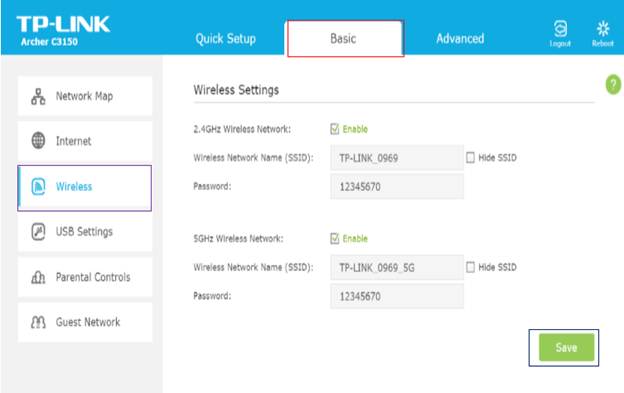
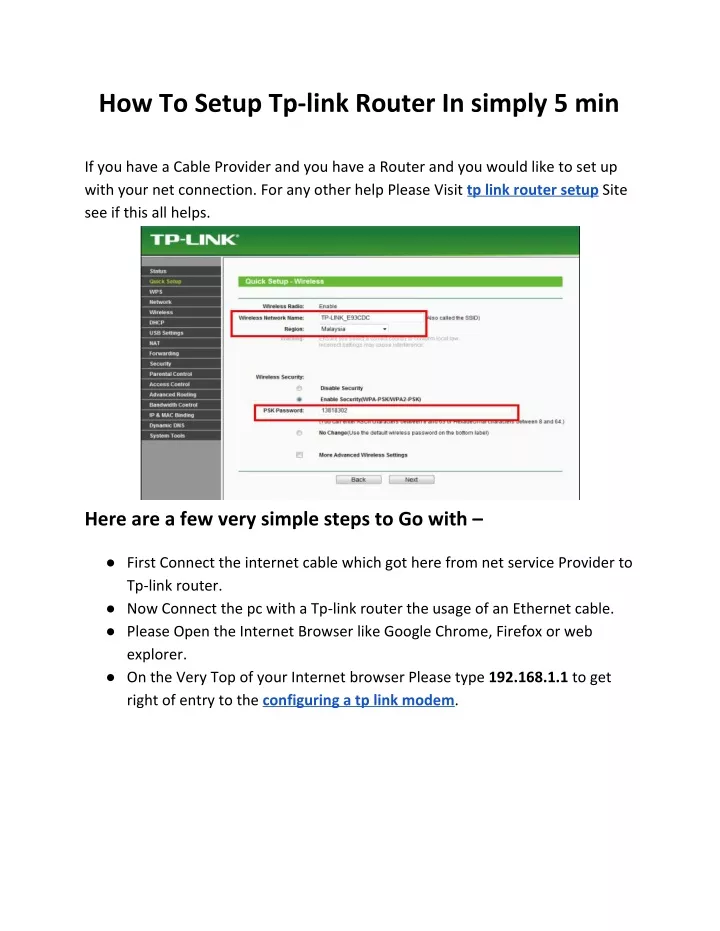
Step 1: Access the Router's Web Interface
Open a web browser and type the IP address of your TP-LINK router in the address bar. The default IP address is usually 192.168.0.1 or 192.168.1.1. Log in with your administrative username and password.