MikroTik RouterOS Firmware Update Tutorial
MikroTik devices are pre-installed with RouterOS, making installation usually not necessary, except in cases where installing RouterOS on an x86 PC or virtual instance CHR is required. The upgrade procedure on already installed devices is straightforward. In this tutorial, we will cover the steps to upgrade MikroTik RouterOS firmware safely without bricking your device.
Why Upgrade MikroTik RouterOS Firmware?
MikroTik RouterOS is in constant development, and new features or bug fixes are frequently available. Upgrading RouterOS and firmware is always recommended to ensure your router is running with the latest features and security patches. Whether you're using a CCR, hAP, or RB series router, this tutorial will help you upgrade your MikroTik router without losing configuration or internet connectivity.
Method 1: Upgrading RouterOS Firmware through WinBox
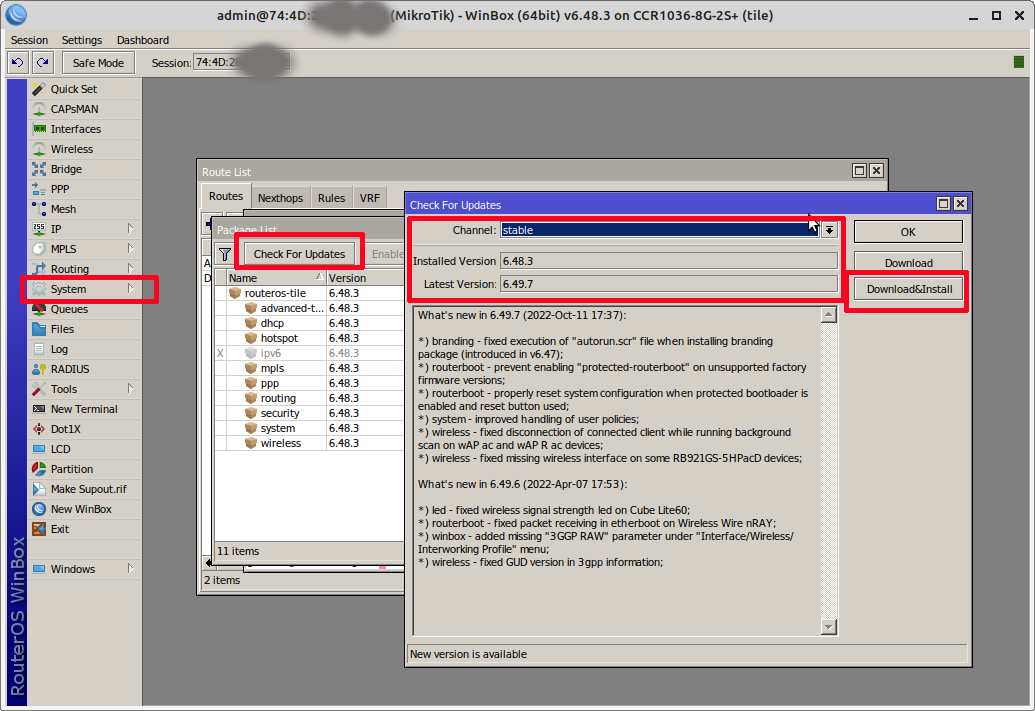
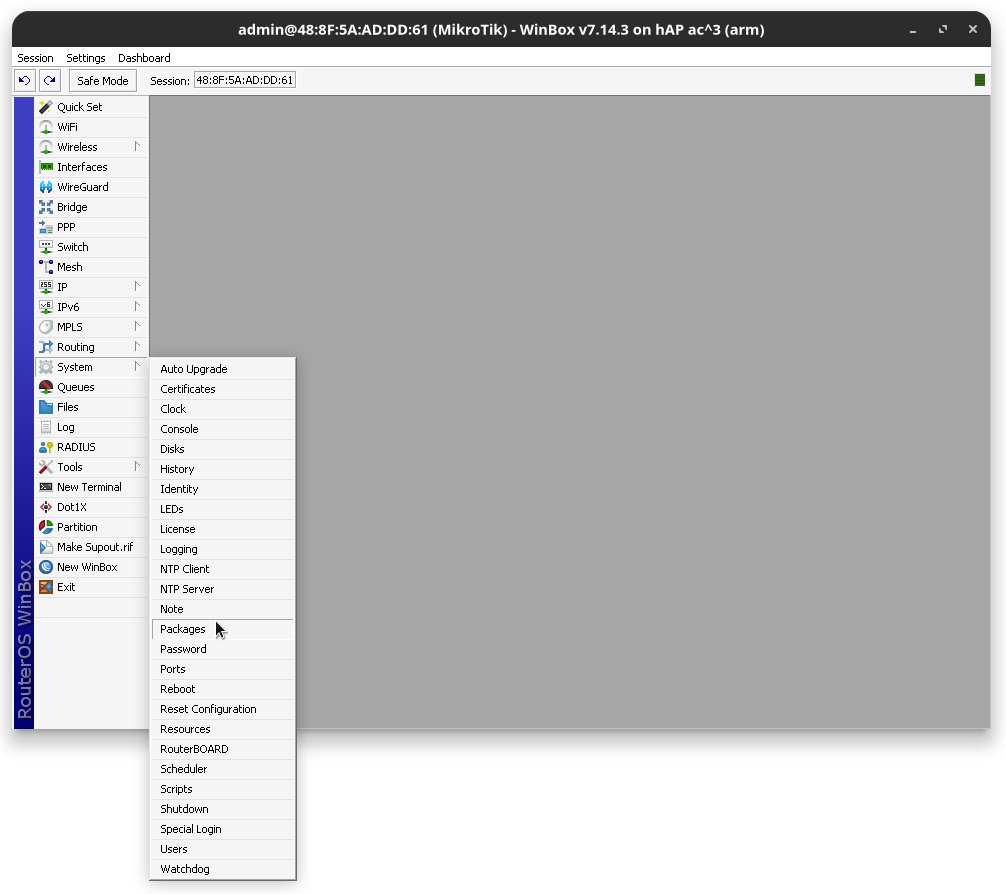
First, login to your MikroTik router using WinBox, a graphical tool to manage your router graphically. Follow the steps:
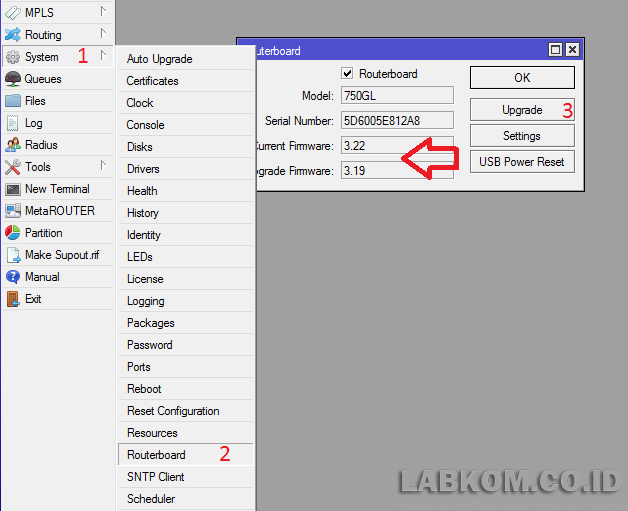
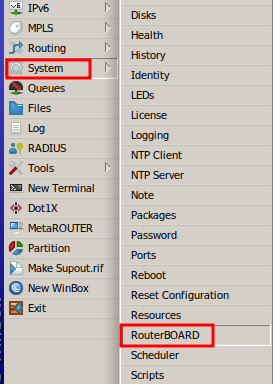
- From the left panel, go to 'System' and then to Packages.
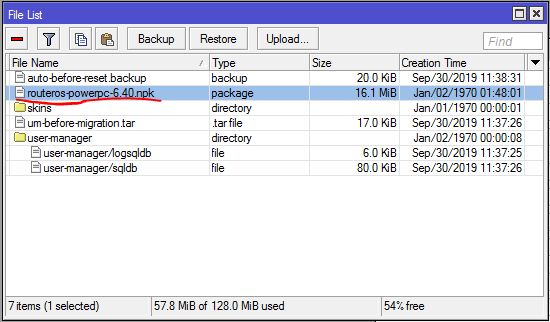
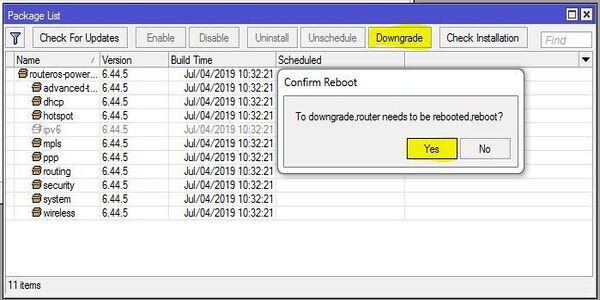
- From the package list window, you will see the number of packages that are currently installed.
- Select the RouterOS package and click 'Update'.
- Confirm the update and wait for the process to complete.