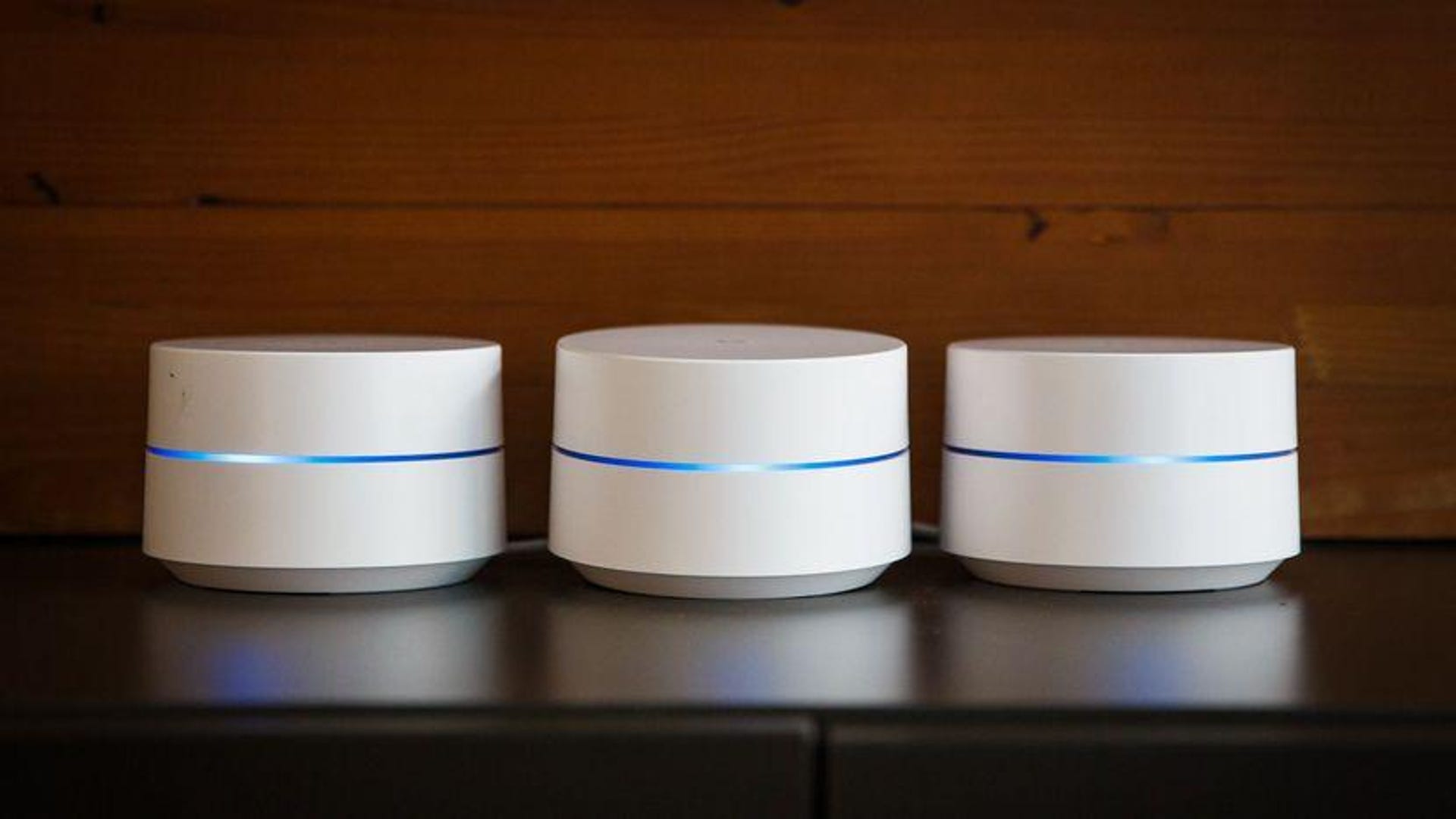
Google Wi-Fi Setup for Building Routers: A Step-by-Step Guide
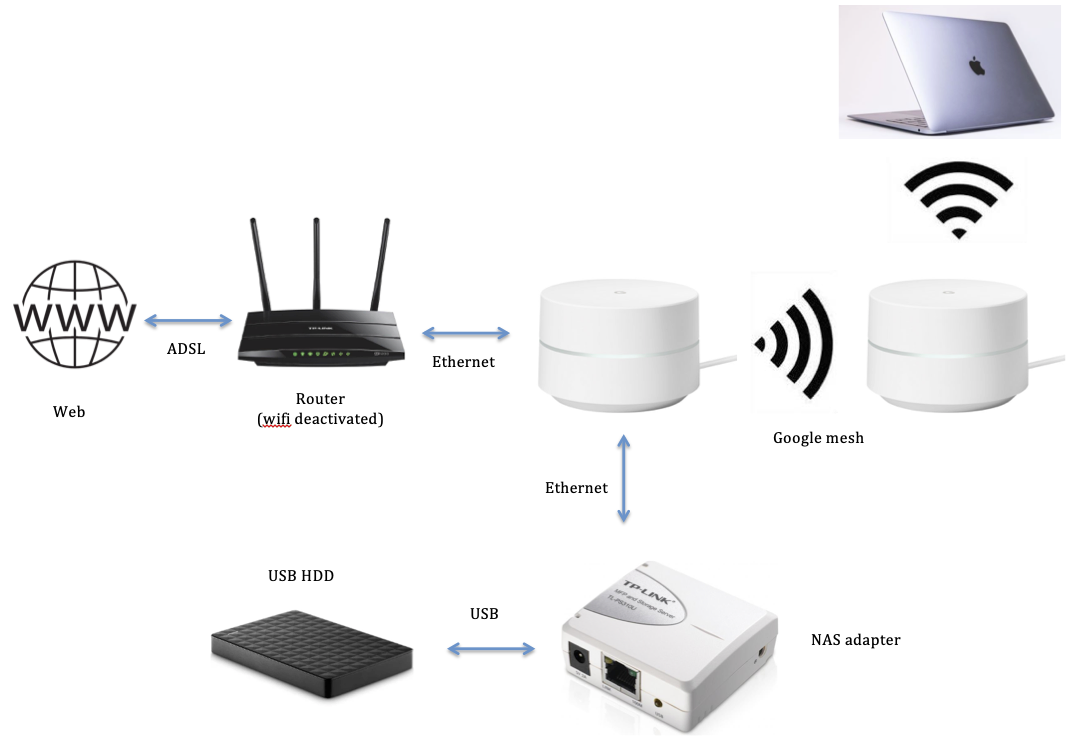
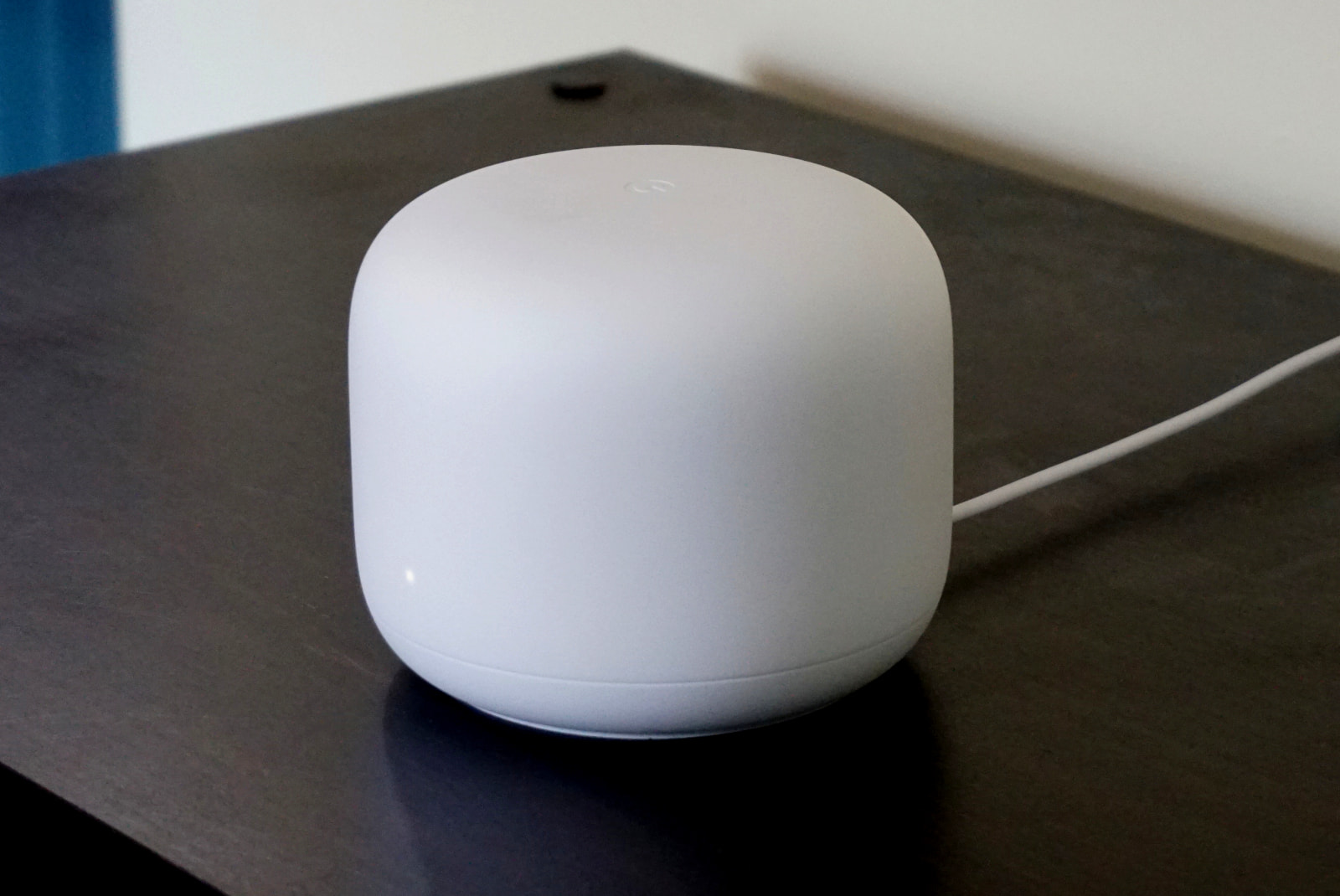
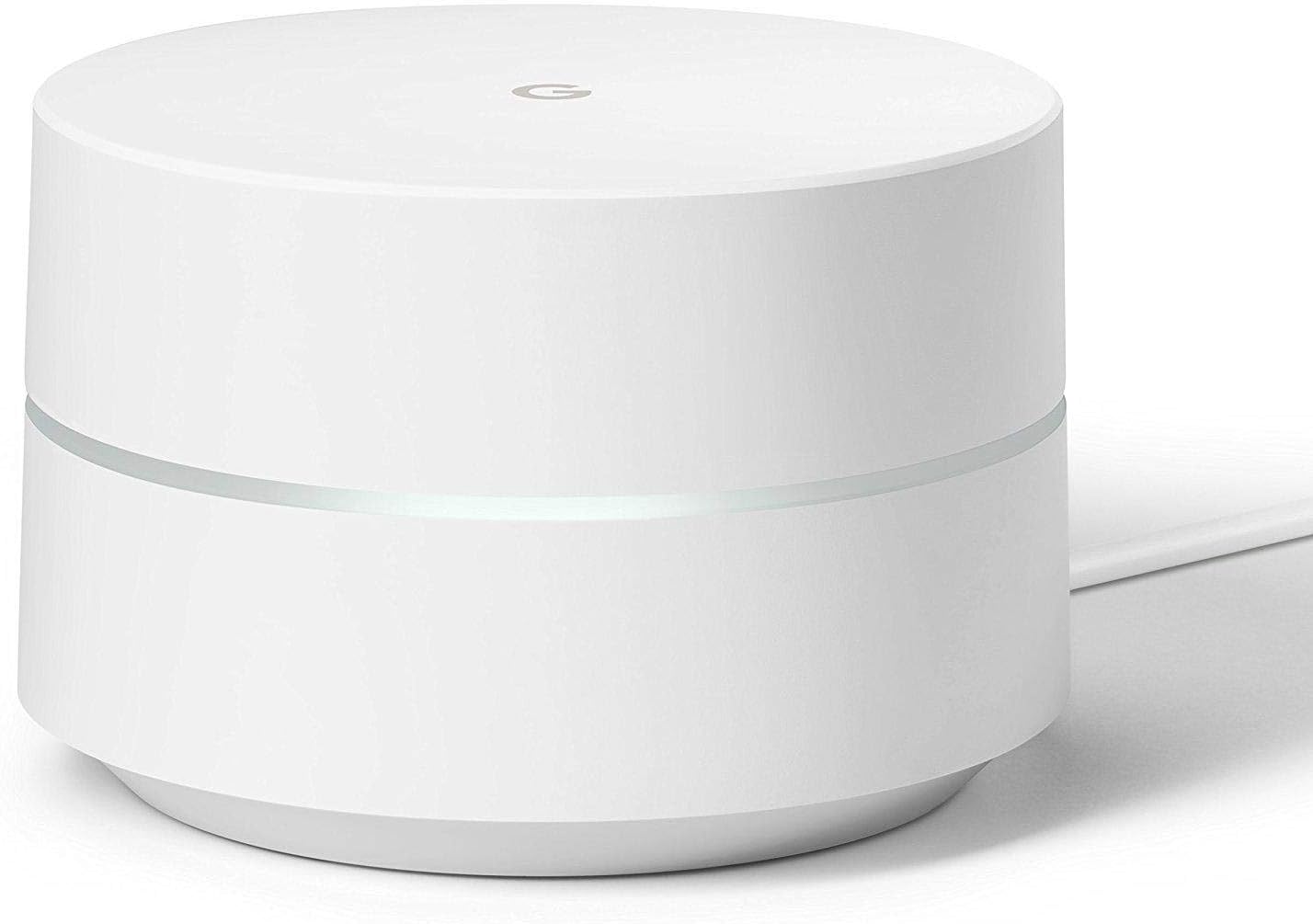
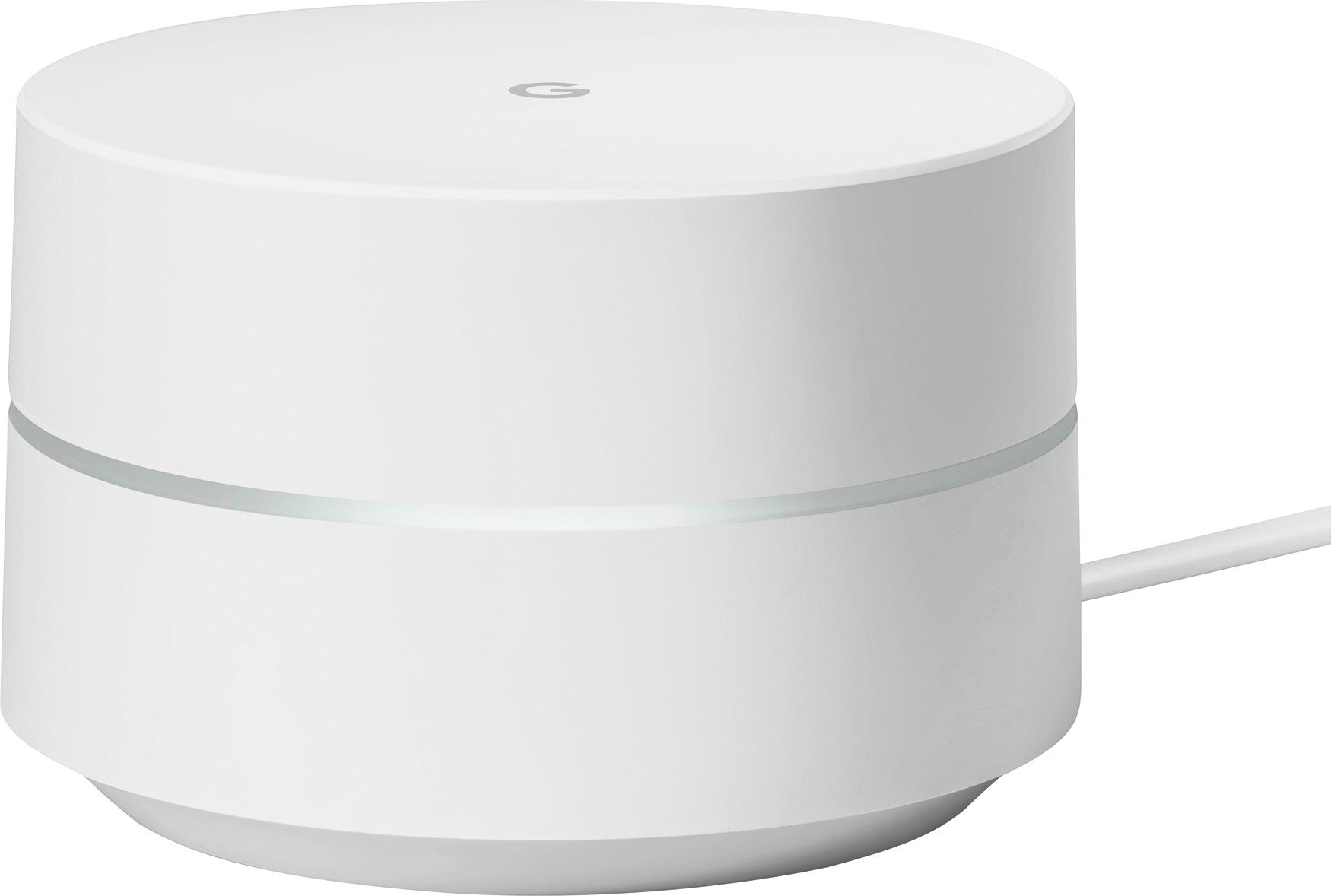
Setting up a Google Wi-Fi system is a straightforward process that can be completed in a few simple steps. In this article, we'll walk you through the process of setting up your Google Wi-Fi mesh router, including the necessary components and equipment needed for a successful installation.
Components and Equipment Needed
Before you start setting up your Google Wi-Fi mesh router, make sure you have the following components and equipment:
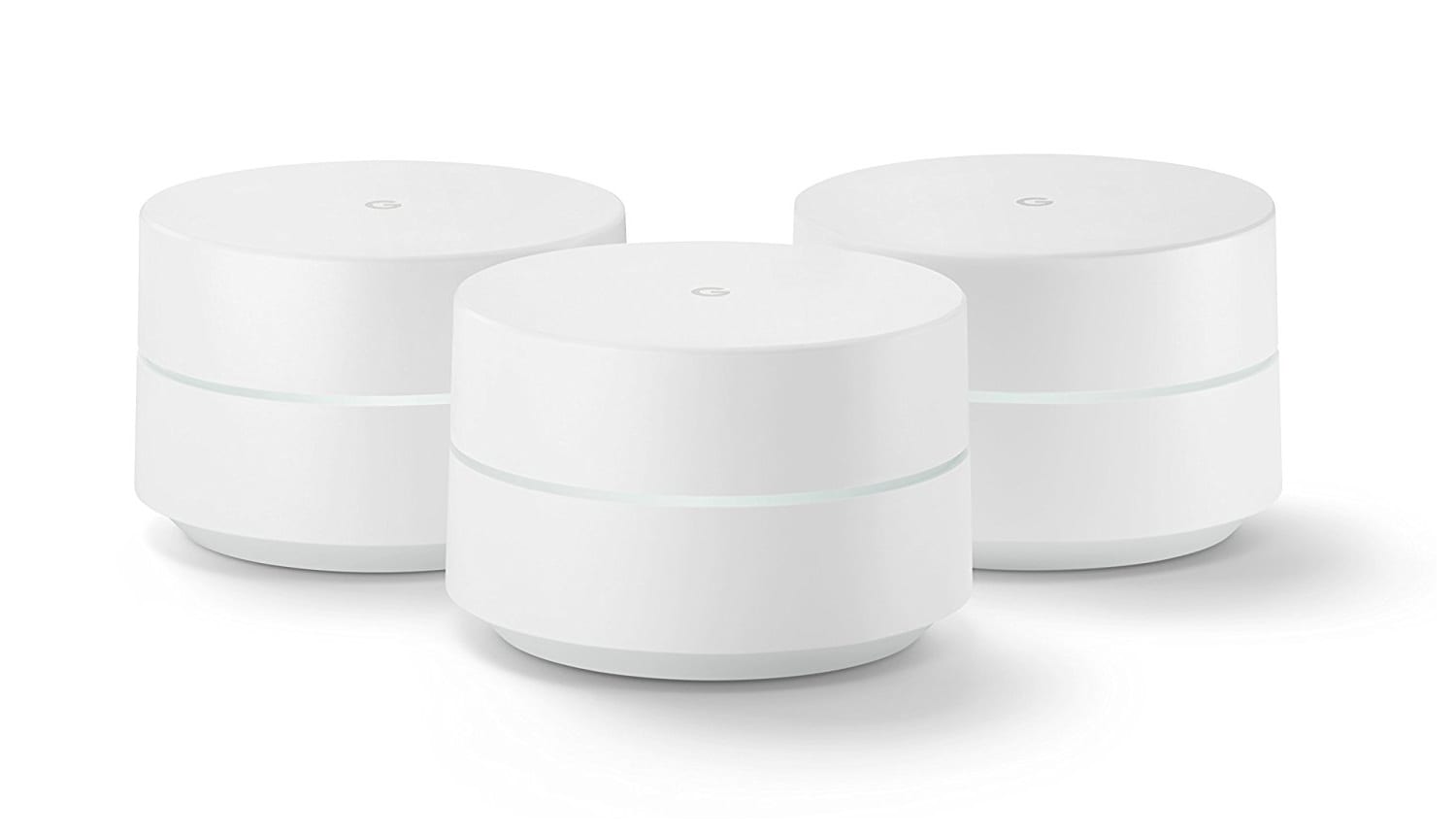
- Google Wi-Fi point (s)
- A Google Account
- One of the following mobile devices: Android smartphone or tablet, or iOS smartphone or tablet
Additionally, you'll need a modem and a power outlet for your Google Wi-Fi point.
Step 1: Find a Spot for Your Wi-Fi Point
When setting up your Google Wi-Fi point, it's essential to choose a location that provides optimal coverage and connectivity. Consider placing your Wi-Fi point in a central location, away from walls and obstacles that could interfere with the signal.
- Avoid placing your Wi-Fi point near sources of interference, such as cordless phones, microwaves, and baby monitors
- Choose a location with a clear line of sight to the modem and other devices on the network