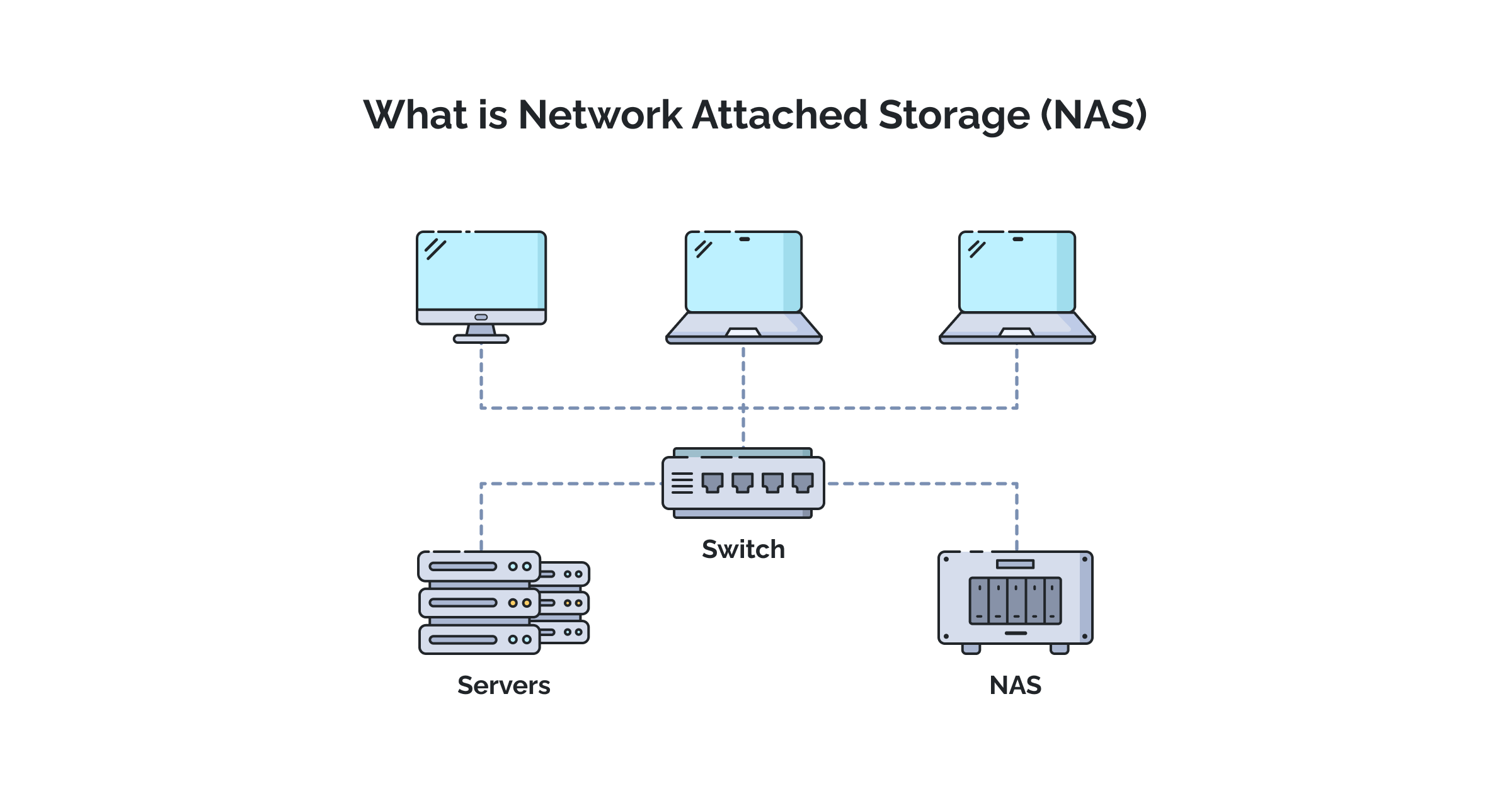
Cisco Router Configuration for NAS Device: A Step-by-Step Guide
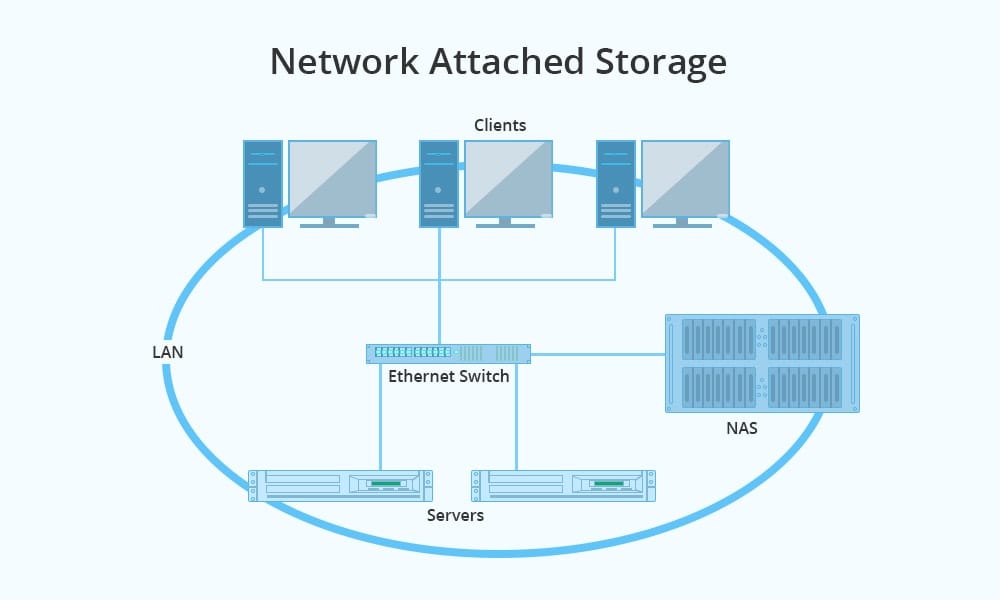
In today's digital age, having a reliable and efficient network is crucial for both personal and business use. A Network Attached Storage (NAS) device is an excellent solution for storing and accessing data across a network. However, configuring a NAS device can be a daunting task, especially when it comes to setting up a Cisco router to work seamlessly with it.
What is a Cisco Router, and Why is it Important for NAS Devices?
A Cisco router is a network device that connects multiple computer networks together and routes traffic between them. It plays a crucial role in ensuring that data is transmitted efficiently and securely across the network. When it comes to NAS devices, a Cisco router is essential for providing a stable and fast connection between the NAS device and other devices on the network.
Prerequisites for Cisco Router Configuration for NAS Devices

Before you begin configuring your Cisco router for your NAS device, make sure you have the following prerequisites:
- Cisco router (ISR 900 series or similar)
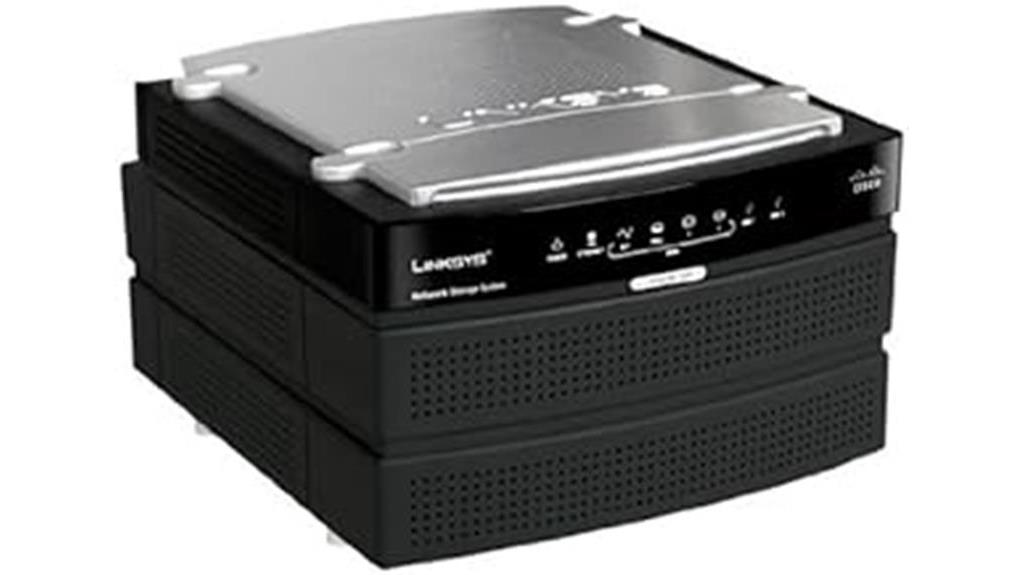
- NAS device (Synology DS220+ or similar)
- Switch (Cisco SG250 or similar)
- Internet connection
- Router configuration software (Cisco IOS or similar)




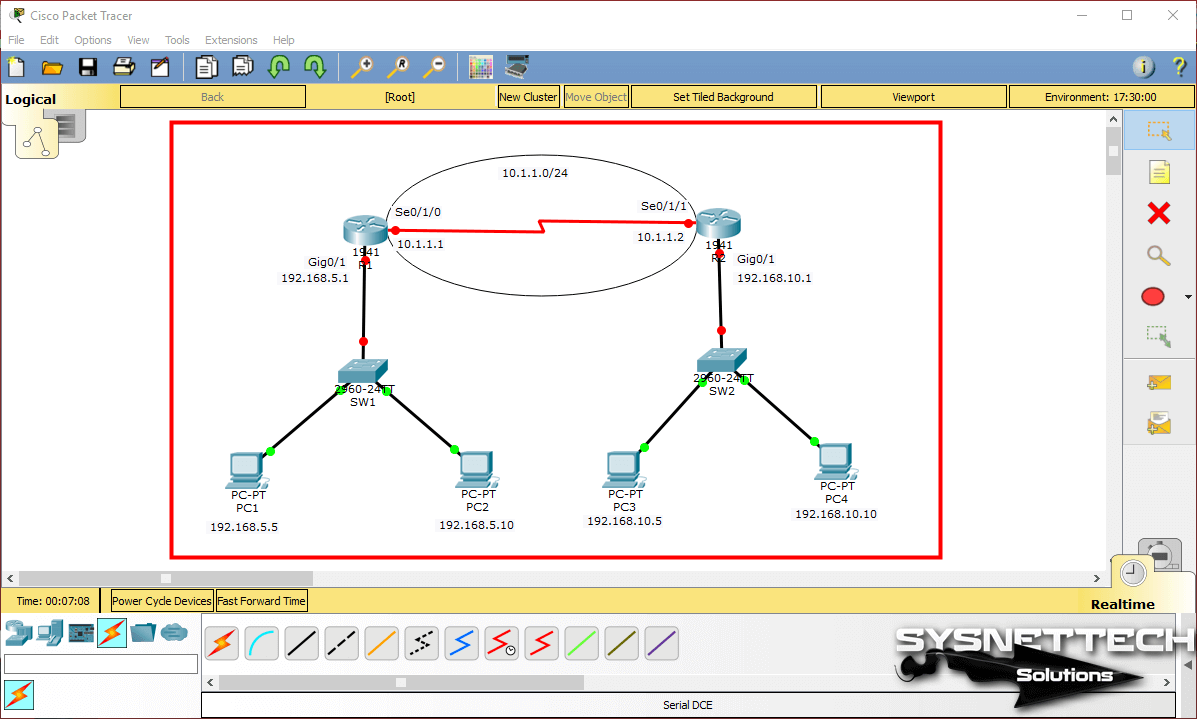
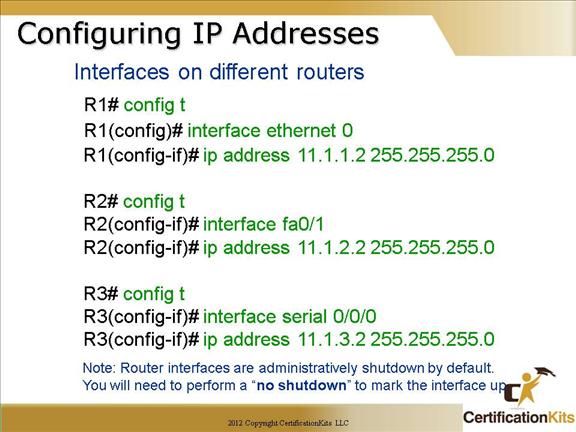
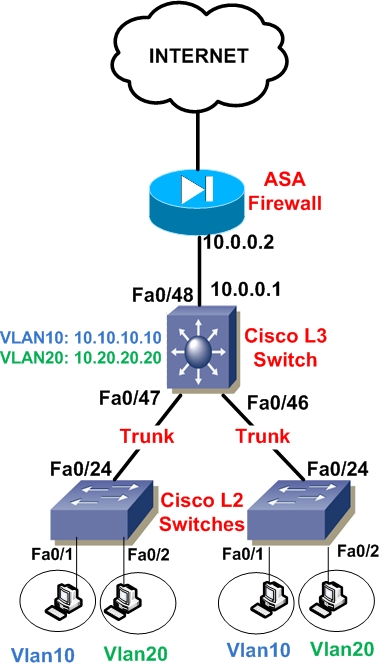



.png "ASA5505 & Cisco Router 3825 - Double NAT w/ Port Forward")