Setting Up a G Network for Wireless Printers
If you're in the market for a new printer that can connect to your home or office wireless network, you've likely encountered the term "G network." But what does it mean, and how do you set one up? In this article, we'll explore the basics of setting up a G network for wireless printers and provide step-by-step instructions to get you printing wirelessly in no time.
What is a G Network?
A G network is a type of wireless local area network (WLAN) that operates on the 2.4 GHz frequency band. This frequency band is relatively fast and can support data transfer rates of up to 54 Mbps. When setting up a G network for your wireless printer, you'll need to configure your router and printer to communicate with each other on this frequency.
Prerequisites
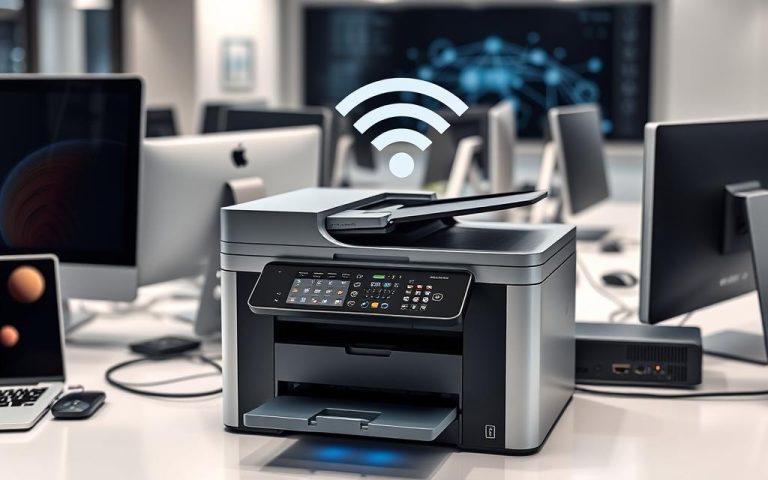
Before setting up a G network for your wireless printer, make sure you have the following:
- A wireless capable printer
- A wireless router ( Linksys, D-Link, or Netgear)
- A computer or mobile device with a wireless adapter
- The printer's manual or instructions for your specific model
Model and Firmware Checks
Ensure that your printer is compatible with your router and that its firmware is up-to-date. You can check your printer's firmware version by visiting the manufacturer's website and searching for your printer model. Update the firmware if necessary, as this will ensure that your printer and router can communicate effectively.




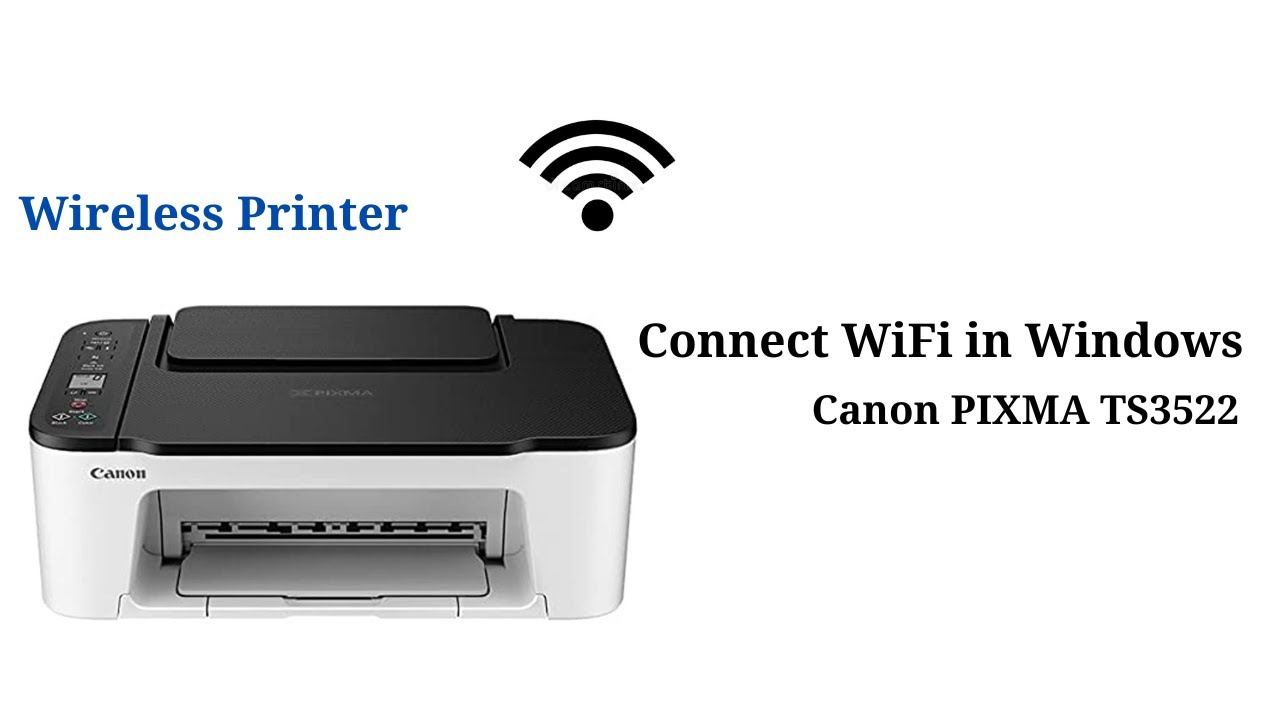
.png "Lose the Cables: How to Connect Your Printer to Your Wi-Fi")