Linksys Router Setup with Router Firmware Update
Setting up a Linksys router and updating its firmware can be a straightforward process, but it's essential to follow the correct steps to ensure optimal performance and security. In this article, we'll guide you through the process of setting up your Linksys router and updating its firmware, ensuring you get the most out of your device.
Why Update Your Linksys Router Firmware?
Firmware updates are essential for maintaining your router's performance, security, and functionality. Regular updates often include bug fixes, security patches, and feature enhancements that improve your overall online experience. Failure to update your firmware can lead to security vulnerabilities, slow performance, and compatibility issues.
Preparation for Firmware Update
- Make sure your router is connected to a power source and has a stable internet connection.
- Open a web browser and navigate to the Linksys router's web-based utility by typing the router's IP address in the address bar. The default IP address for Linksys routers is usually 192.168.0.1 or 192.168.1.1.
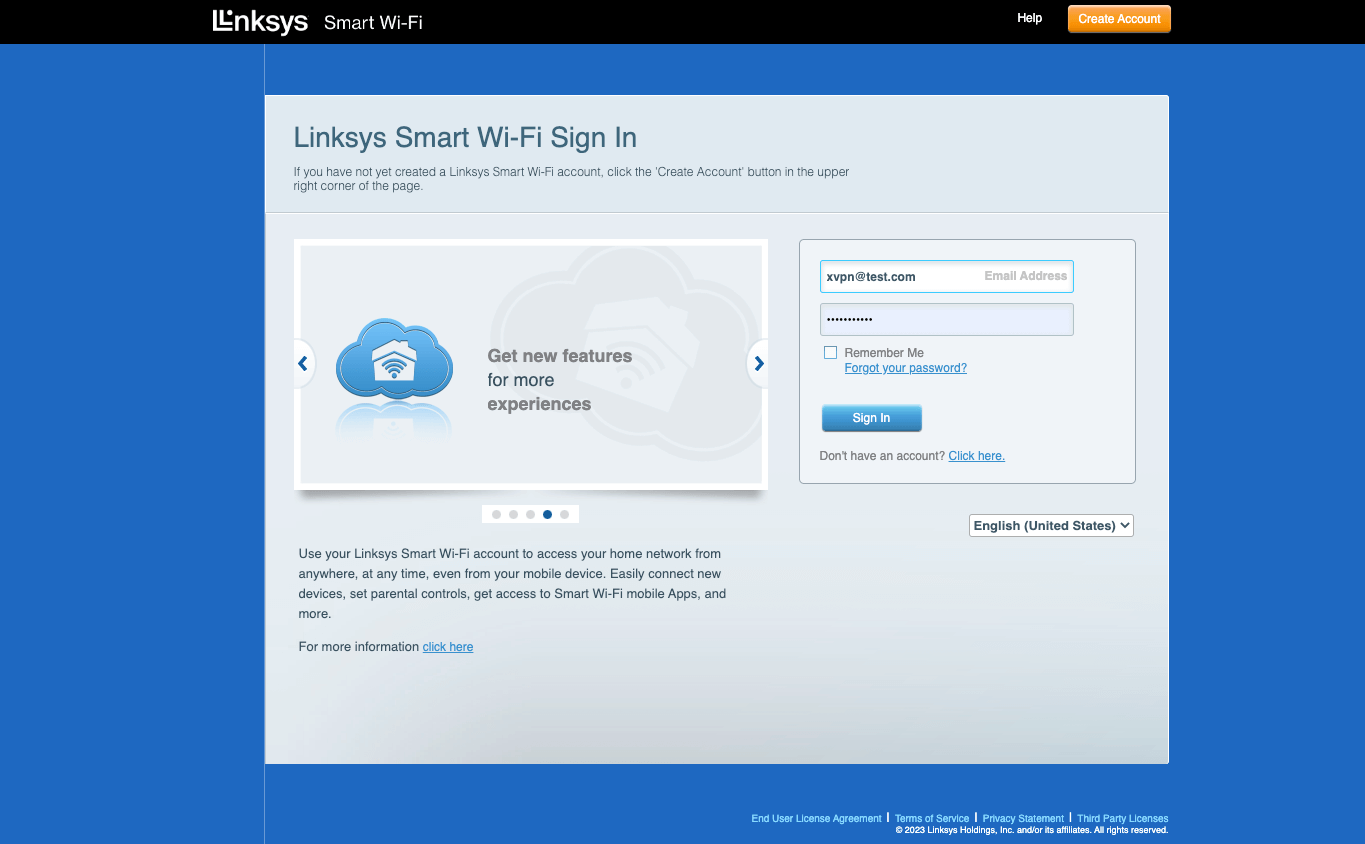
- Enter the router's admin username and password. You can find these details in the router's manual or on the Linksys website.
Updating the Firmware
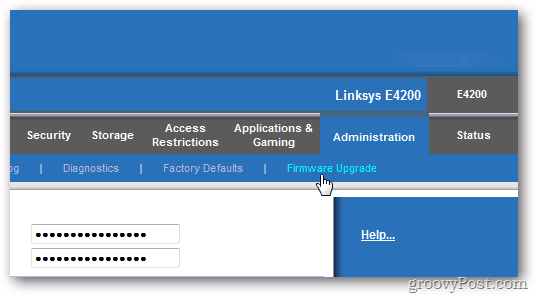
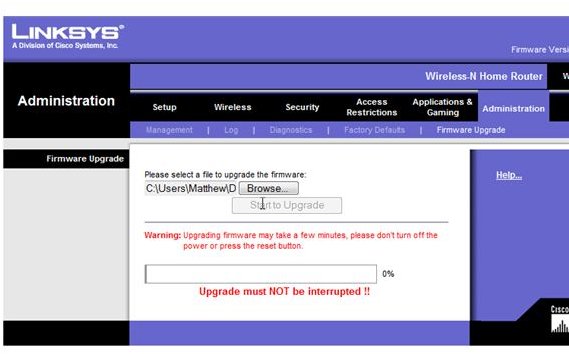
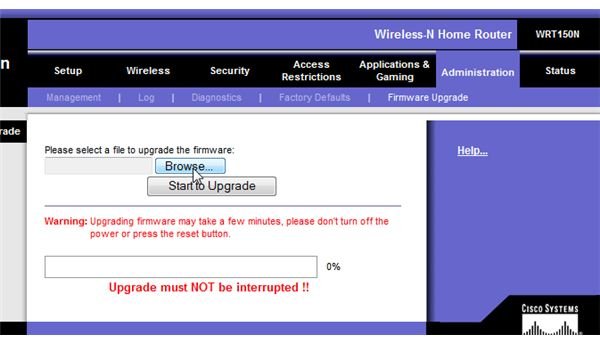
Once you've accessed the router's web-based utility, follow these steps to update the firmware: