G Network Setup for Virtual Private Networks
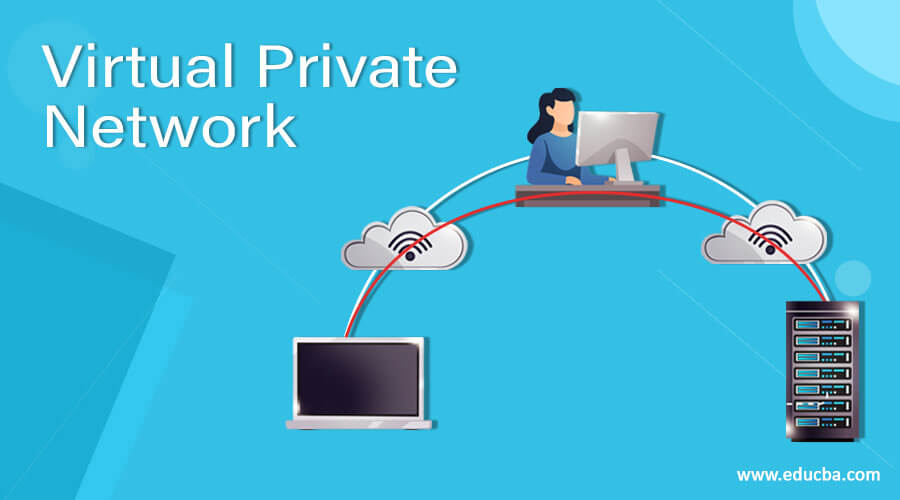
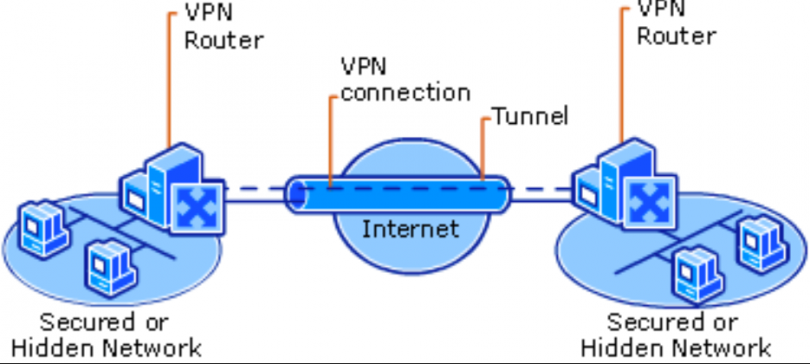
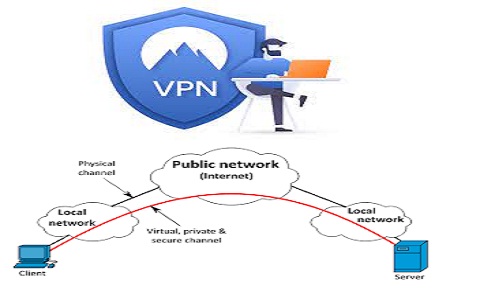
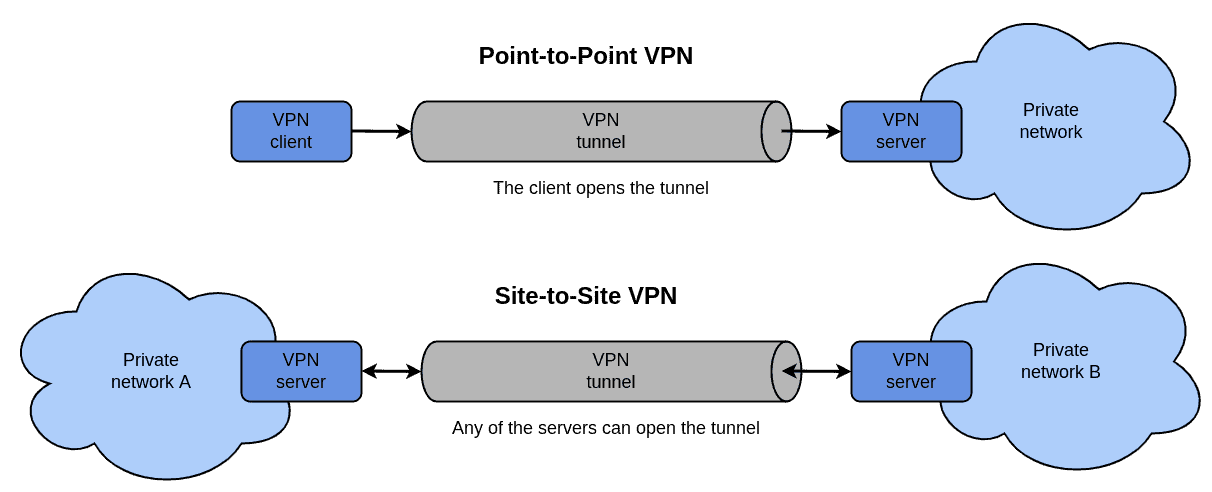
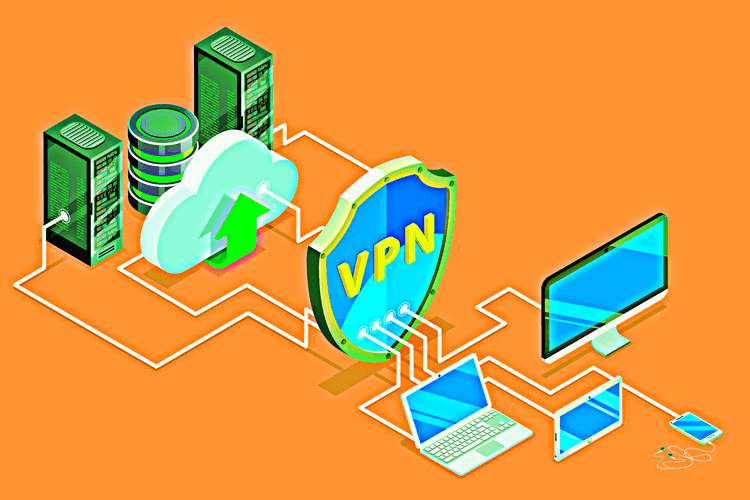
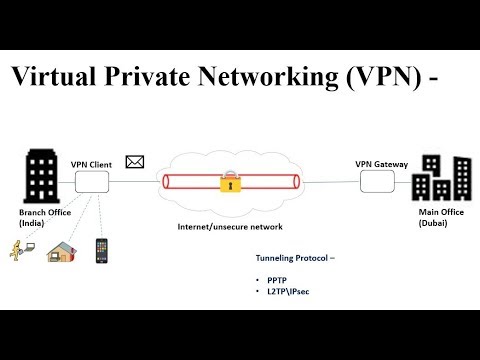
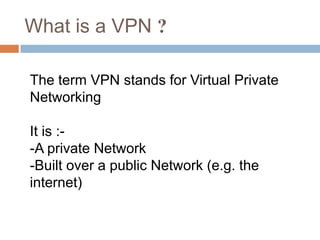
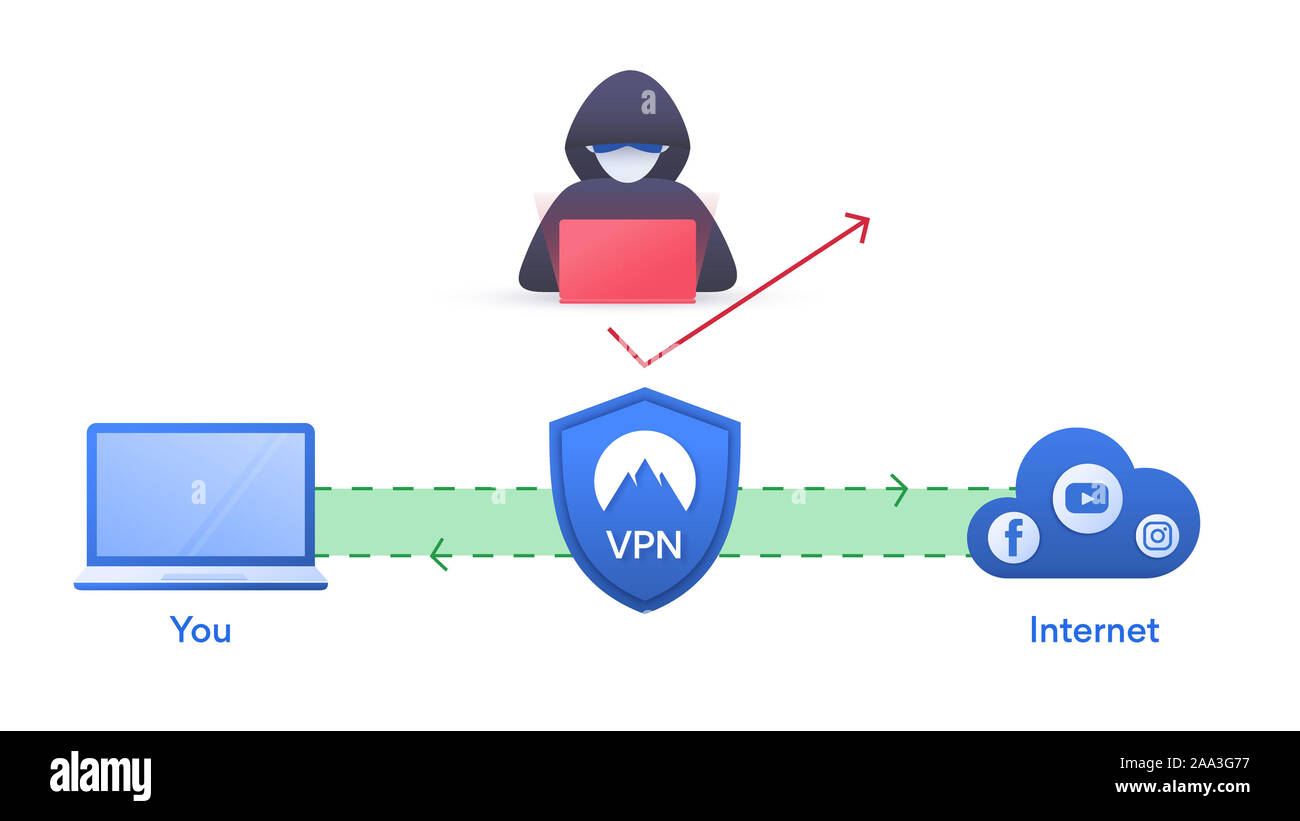
In today's digital age, maintaining a secure and private online presence is crucial for individuals and businesses alike. One effective way to achieve this is by setting up a Virtual Private Network (VPN). A VPN creates a secure and encrypted connection between your device and a VPN server, protecting your data from unauthorized access and prying eyes. In this article, we will explore the G Network Setup for Virtual Private Networks, providing you with a comprehensive guide on how to set up a VPN on Google Cloud Platform (GCP).
What is a Virtual Private Cloud (VPC) Network?
A Virtual Private Cloud (VPC) network is a logically isolated network on GCP, providing a virtualized network infrastructure. It allows you to create a private network within Google Cloud, connecting your resources and devices securely. A VPC network is similar to a physical network, except it is virtualized within Google Cloud, providing a secure and isolated environment for your resources.

Benefits of Setting Up a VPN on GCP
Enhanced Security: A VPN provides a secure and encrypted connection, protecting your data from unauthorized access and cyber threats.
Improved Performance: A VPN can improve network performance by reducing latency and packet loss.
Increased Flexibility: A VPN allows you to access resources and devices from anywhere, at any time, as long as you have an internet connection.
Better Compliance: A VPN helps you comply with data protection regulations, such as GDPR and HIPAA, by ensuring that sensitive data is transmitted securely.