Unlocking the Full Potential of Your Network: Linksys Router Access Point Mode
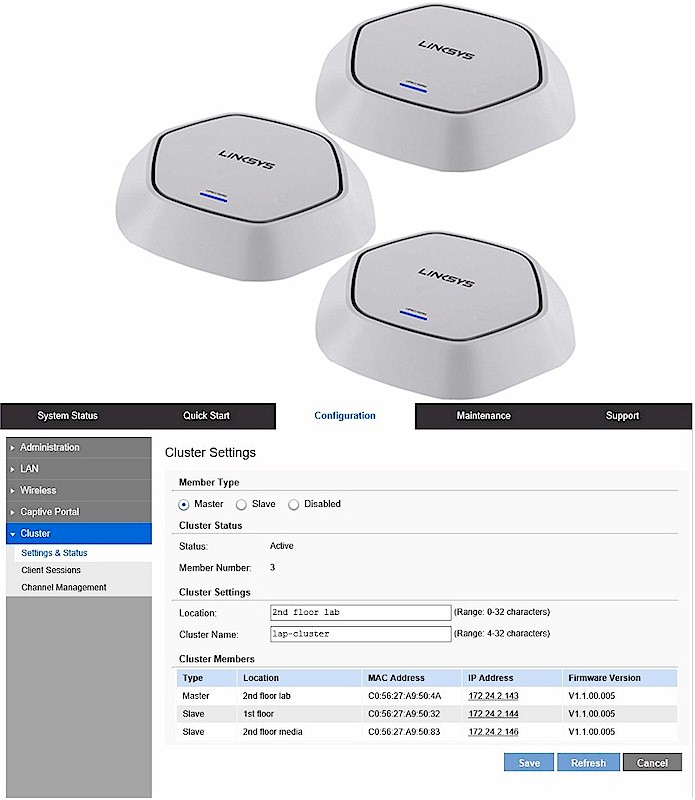
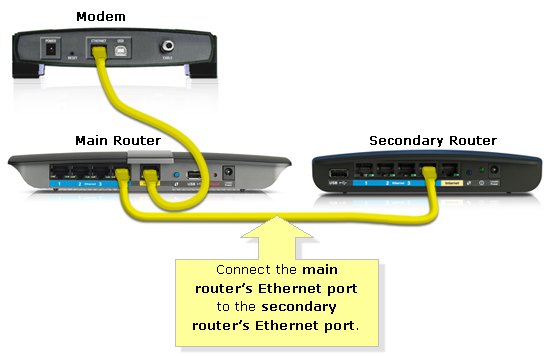
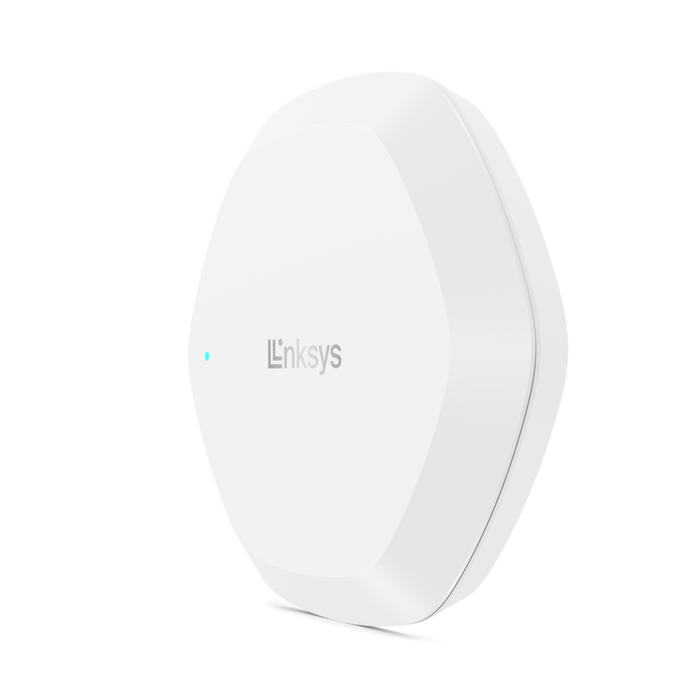
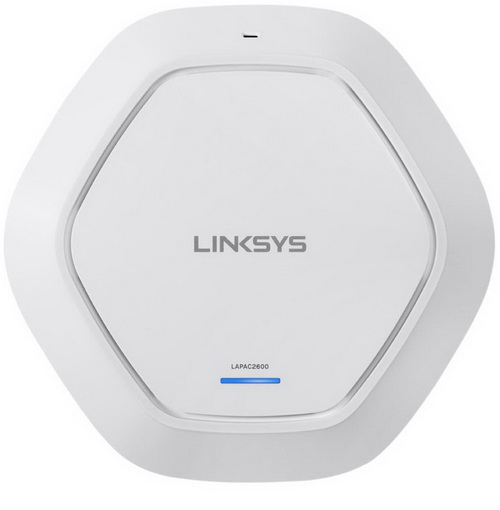
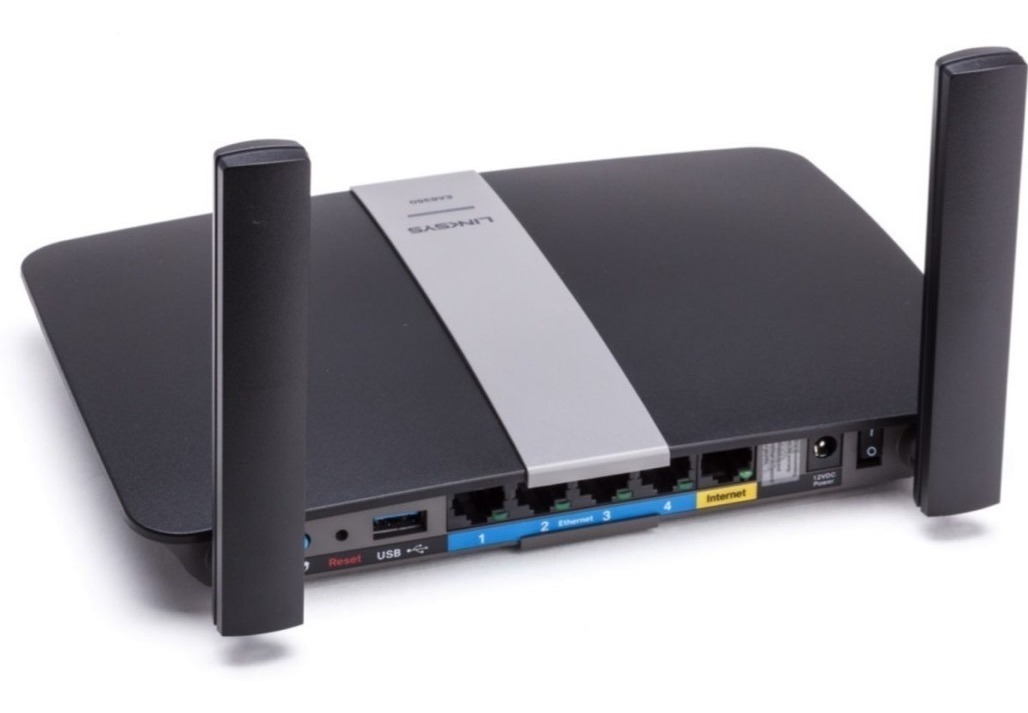
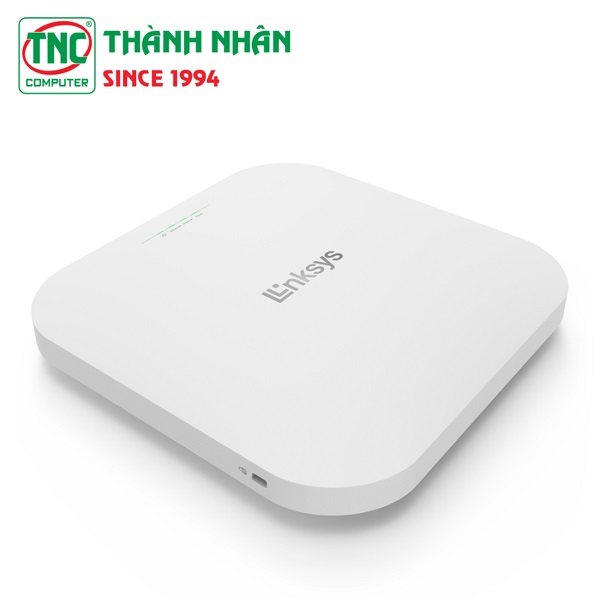
Are you looking to extend the reach of your Wi-Fi network without sacrificing performance? Look no further than Linksys Router Access Point Mode. This feature allows your Linksys range extender to connect to your router or switch through a cable, minimizing loss of performance and dropping connections. In this article, we'll delve into the world of Access Point Mode and explore its benefits, configuration, and troubleshooting tips.
What is Access Point Mode?
Access Point Mode is a feature that allows your Linksys range extender to act as a wireless extension of your existing network. By connecting to your main router or switch through a cable, your range extender can provide seamless Wi-Fi coverage to hard-to-reach areas of your home or office. This mode is particularly useful for large homes, offices, or buildings with thick walls or metal structures that can interfere with Wi-Fi signals.

Benefits of Linksys Router Access Point Mode
- Improved Network Coverage: By extending your Wi-Fi network, you can provide reliable coverage to all areas of your home or office.
- Minimized Signal Interference: Access Point Mode helps to reduce signal interference from other devices, ensuring a stable and fast connection.
- Enhanced Performance: By connecting to your main router or switch, your range extender can maintain high-speed performance, even in areas with heavy device usage.