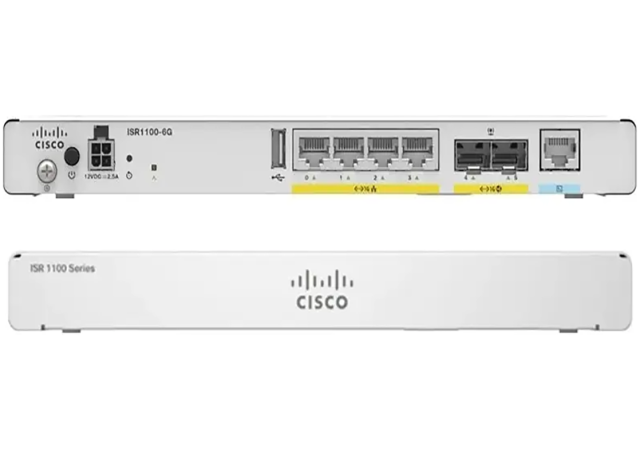
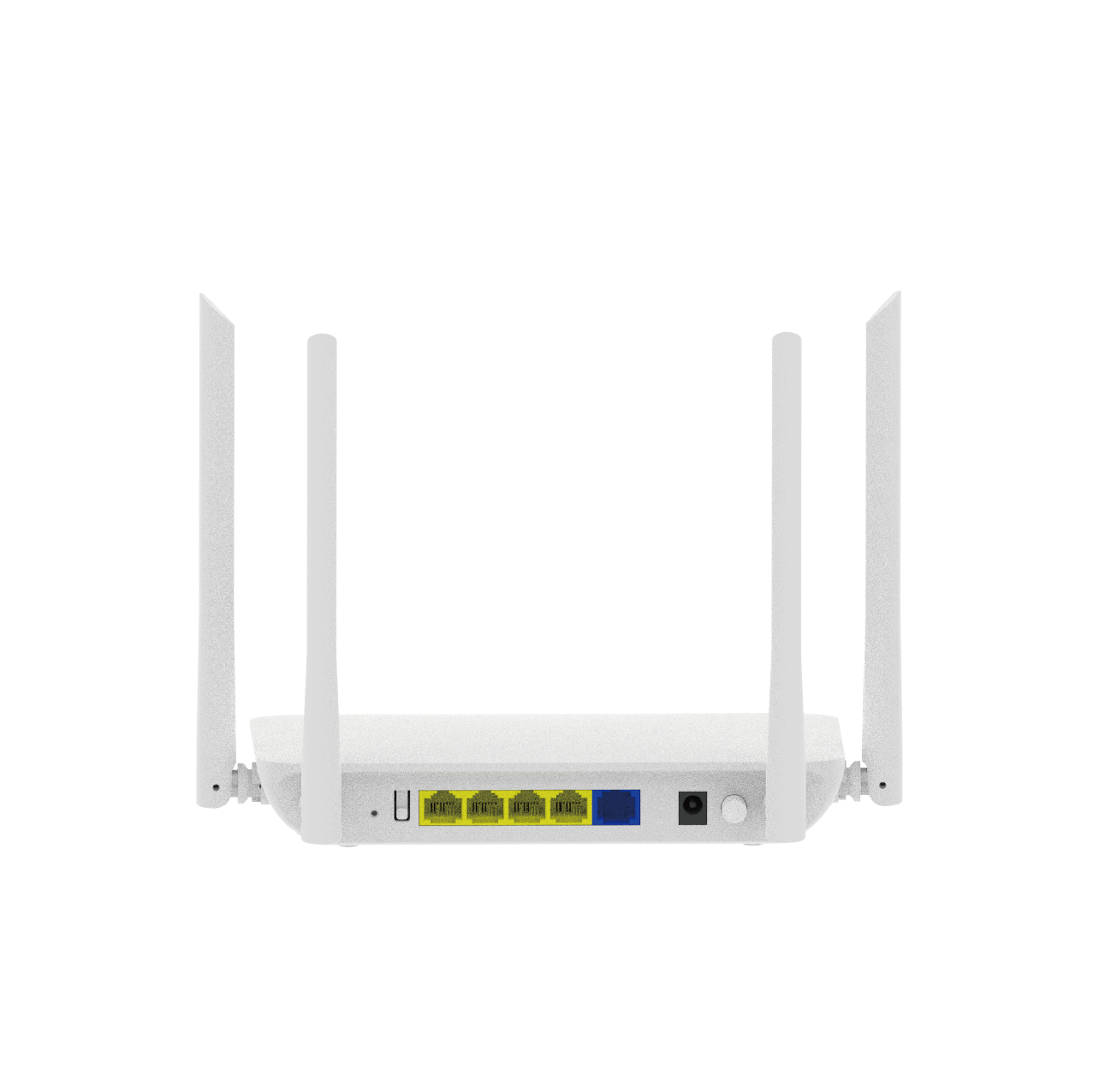
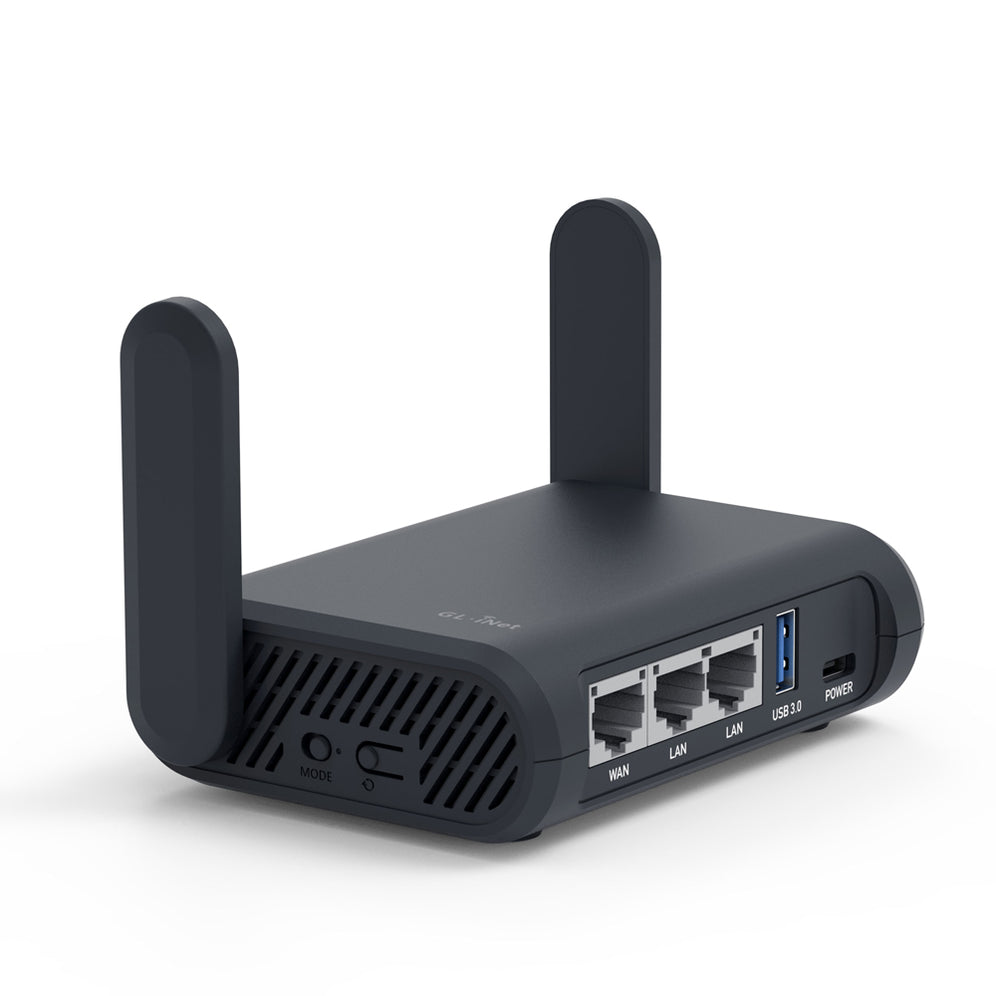
Upgrading Your Home Network with the Latest 6G Router and NAS
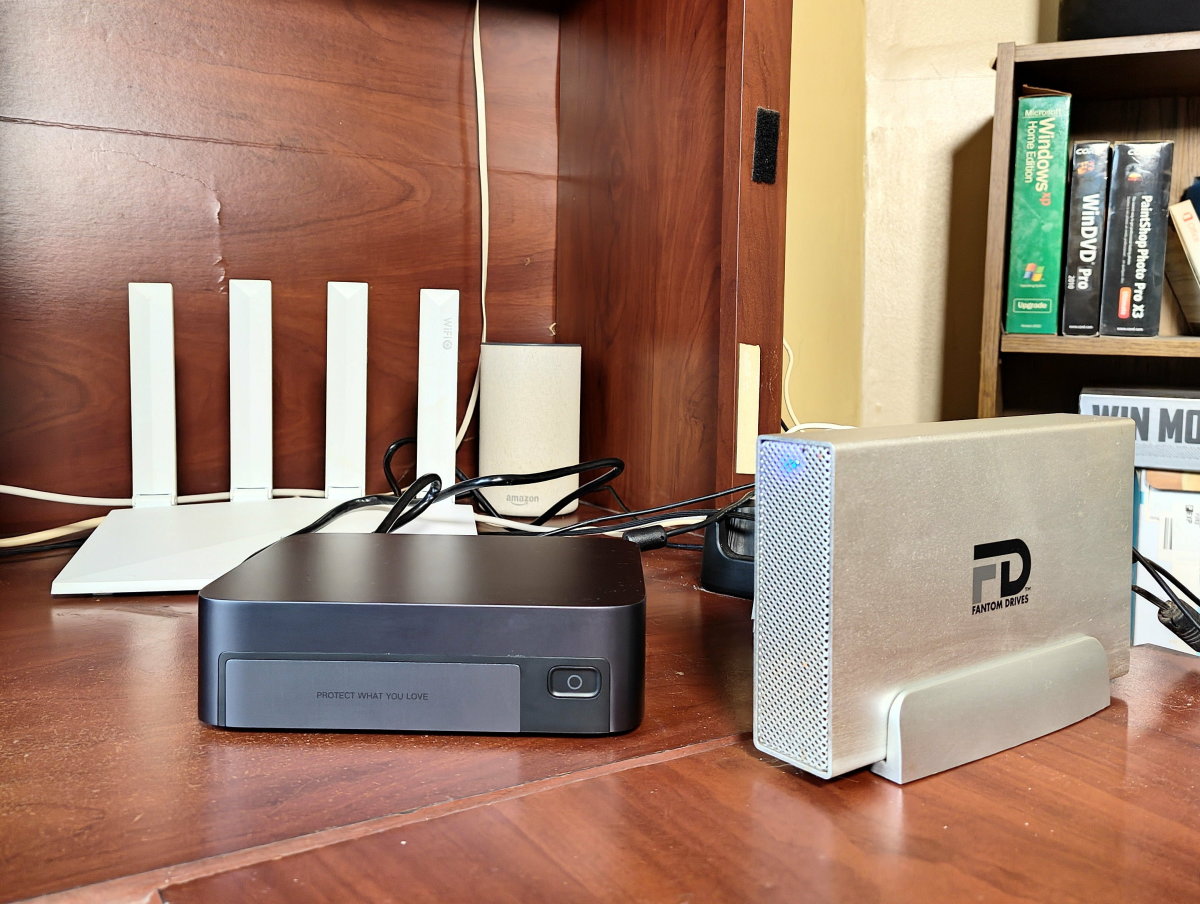
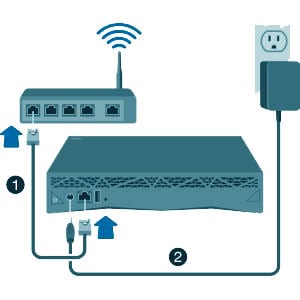
When your router struggles to keep up, your NAS (Network-Attached Storage) can't save you. This is especially true for those who require high-speed data transfer and seamless access to files across multiple devices. Installing a 6G router with NAS is a game-changer for home networks, offering improved speeds, reduced interference, and enhanced connectivity. In this article, we'll guide you through the process of installing a 6G router with NAS and explore the benefits and considerations of this setup.
What is a 6G Router and NAS?
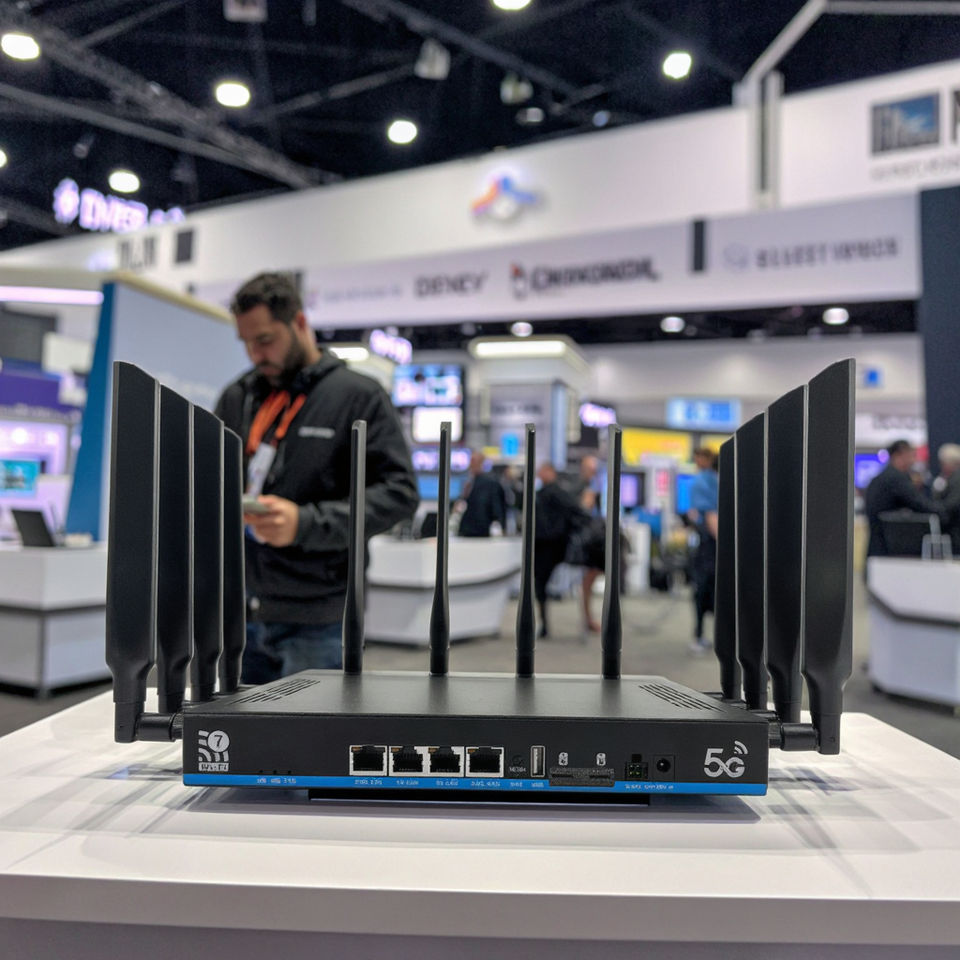
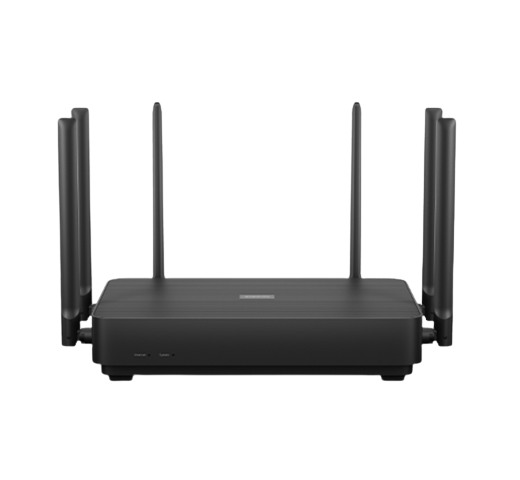
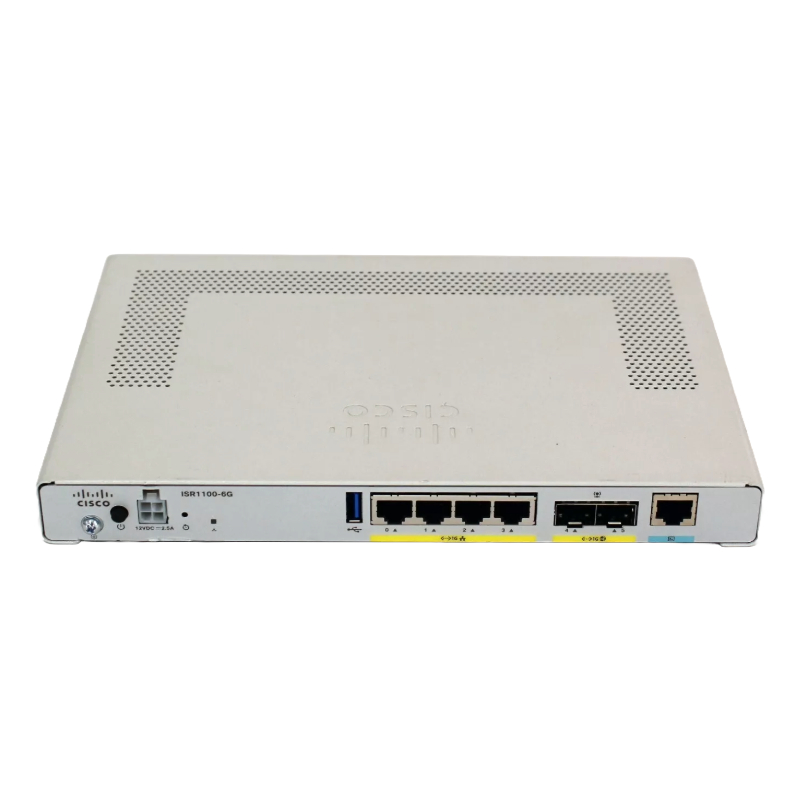
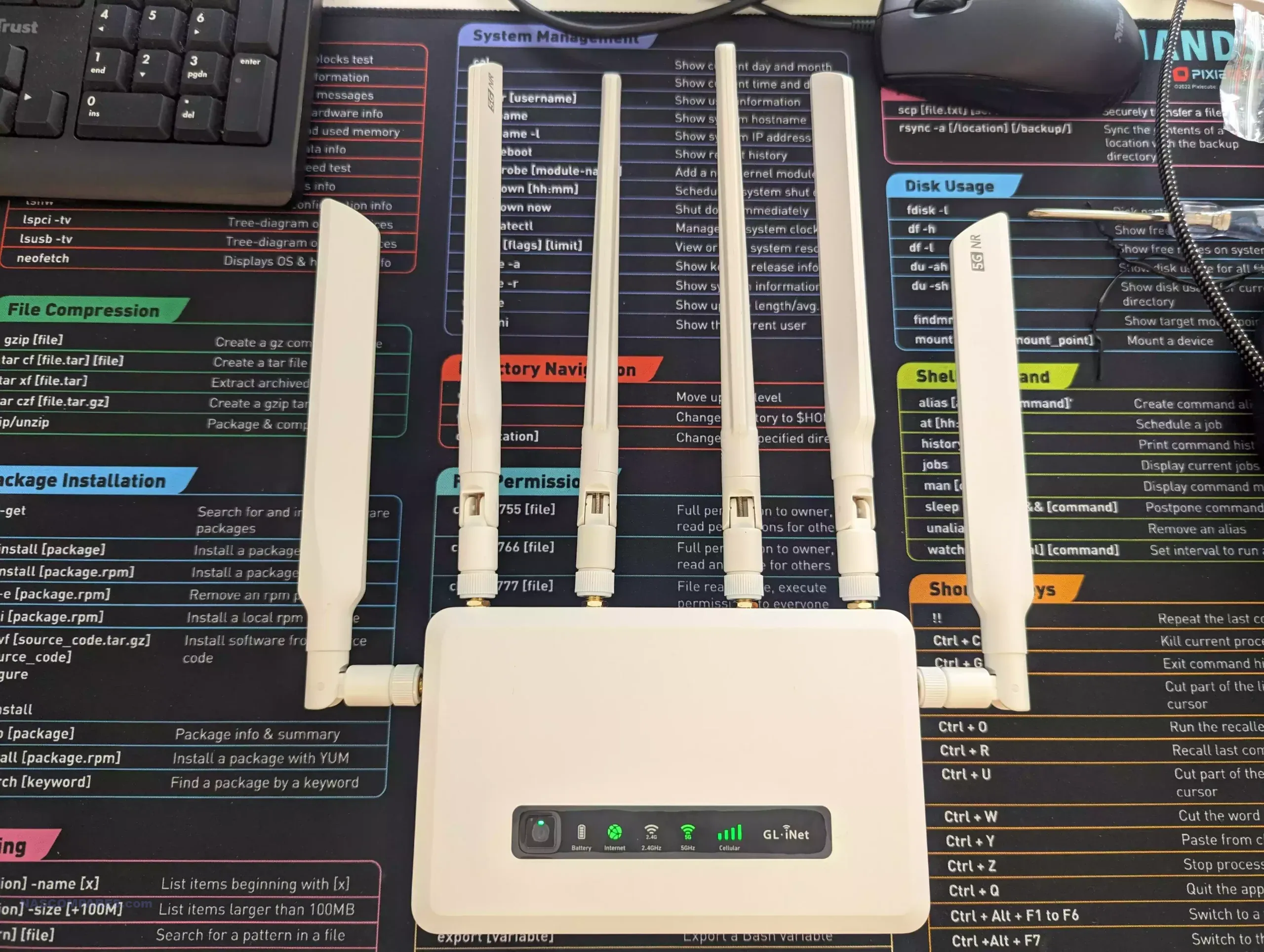
A 6G router is a type of wireless router that supports the latest 6 GHz frequency band, offering faster speeds and improved performance. NAS stands for Network-Attached Storage, a device that allows you to store and share files across a network. When combined, a 6G router and NAS provide a powerful solution for home networks, enabling users to access and share files at high speeds.
Benefits of Installing a 6G Router with NAS
- Improved Speeds: With the latest 6 GHz frequency band, 6G routers offer faster speeds and improved performance, making them ideal for applications that require high-speed data transfer.
- Reduced Interference: The 6 GHz frequency band is less crowded than the traditional 2.4 GHz and 5 GHz bands, reducing interference and ensuring a stable connection.
- Enhanced Connectivity: 6G routers support the latest Wi-Fi 6E and Wi-Fi 7 standards, enabling devices to connect to the network at faster speeds and with improved reliability.
- Seamless File Sharing: With a NAS device connected to the 6G router, users can access and share files across multiple devices at high speeds, making it ideal for applications such as video streaming and online gaming.