D-Link Router Configuration with Router Settings: A Step-by-Step Guide
Configuring your D-Link router is essential for establishing a secure and efficient home network. In this guide, we will walk you through the complete process of configuring your D-Link router, from initial setup to advanced features. Before beginning the software configuration, ensure that you have your router's default login credentials and a computer connected to the network.
Setting Up Your D-Link Router
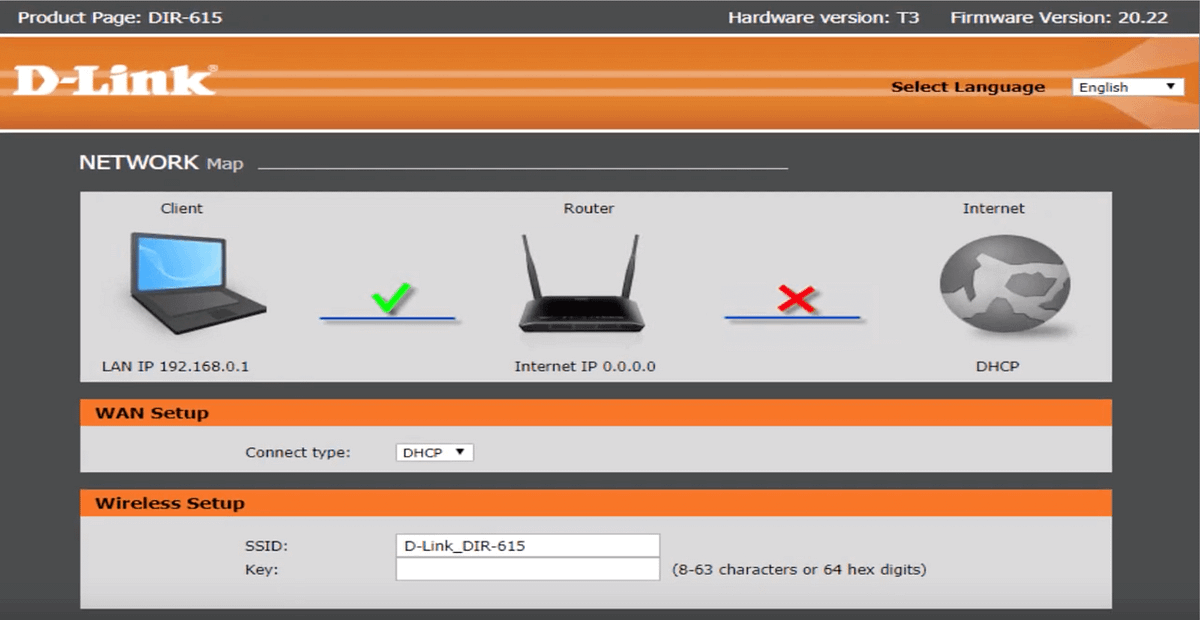
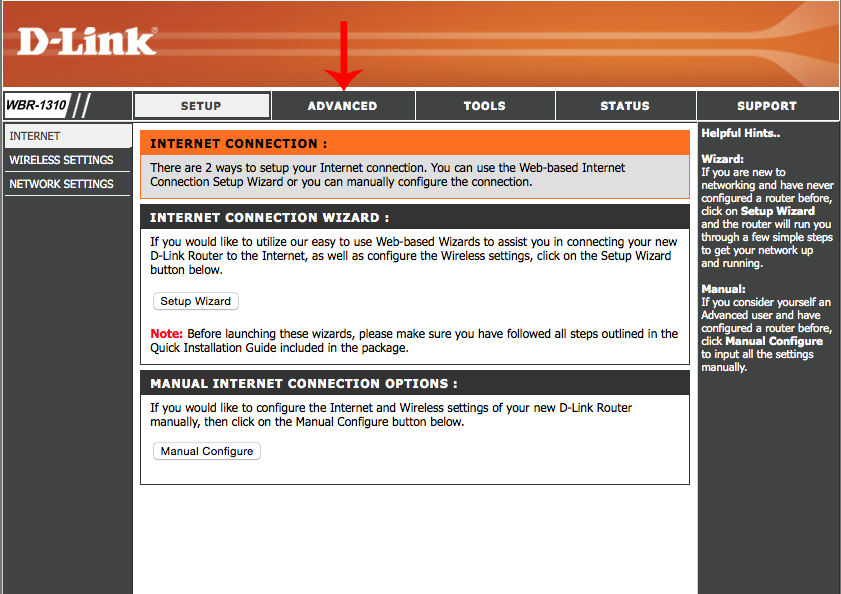
Connecting to the internet and setting up your wireless network can be done through the D-Link router setup wizard. This convenient feature guides you through the configuration process, making it relatively simple to complete in just a few minutes.

- Connect your router to your modem.
- Connect a computer to the network using an Ethernet cable or wirelessly via Wi-Fi.
- Open a web browser and navigate to your router's default IP address. This is usually 192.168.0.1 or 192.168.1.1.
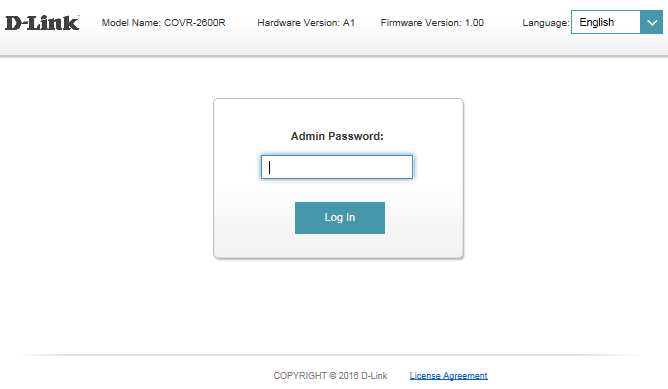
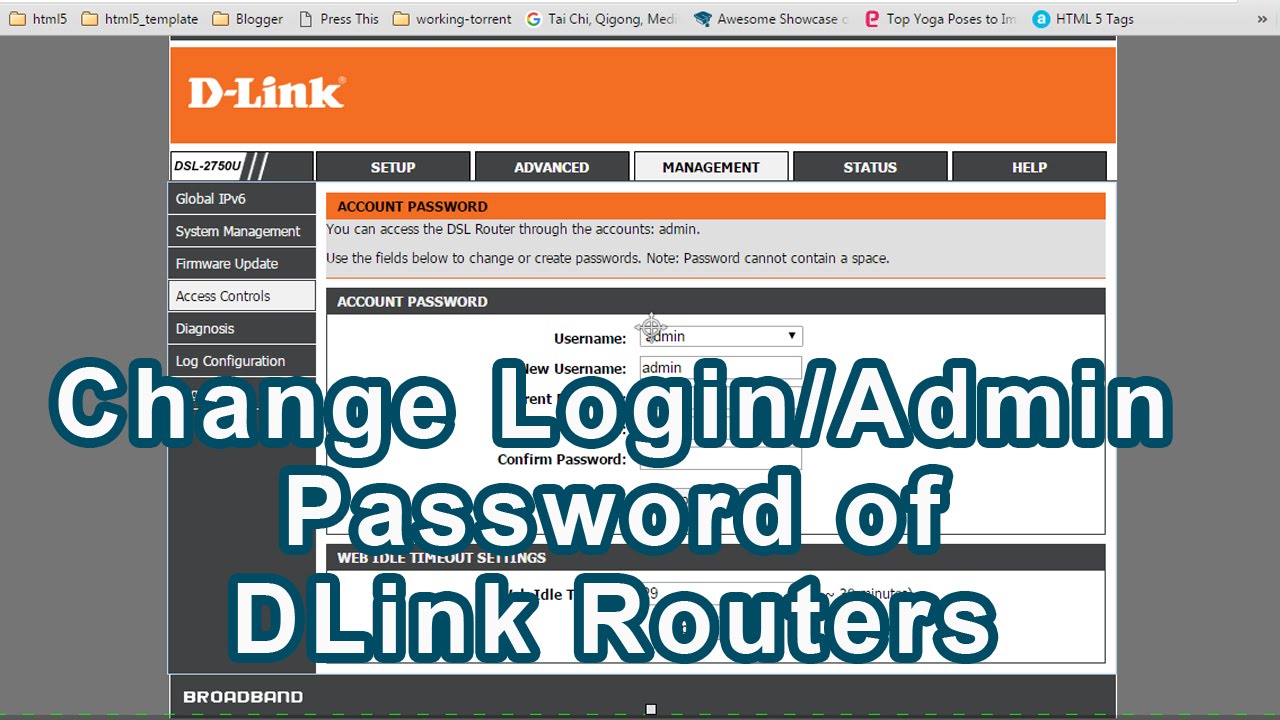
- Enter the default login credentials, which can be found on the underside of your router or in the user manual.
- Follow the on-screen instructions to complete the setup wizard.
Configuring Your D-Link Router
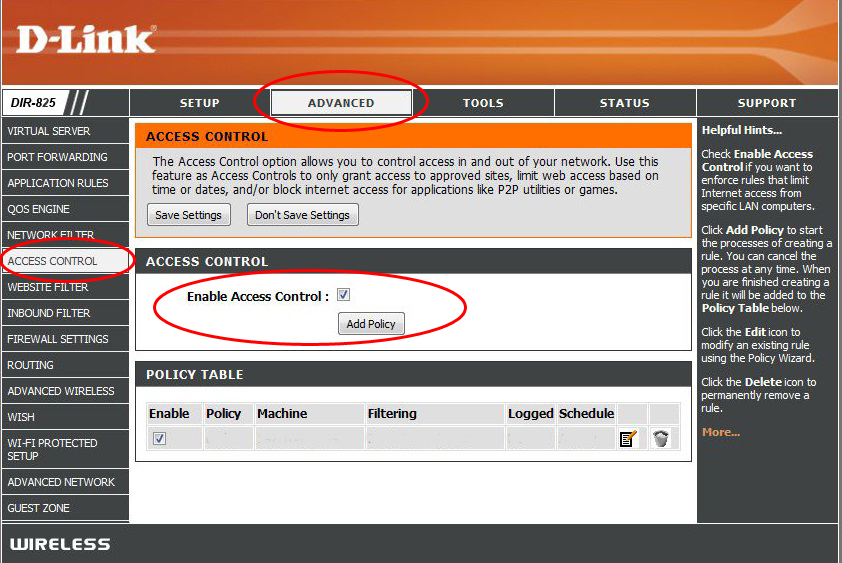
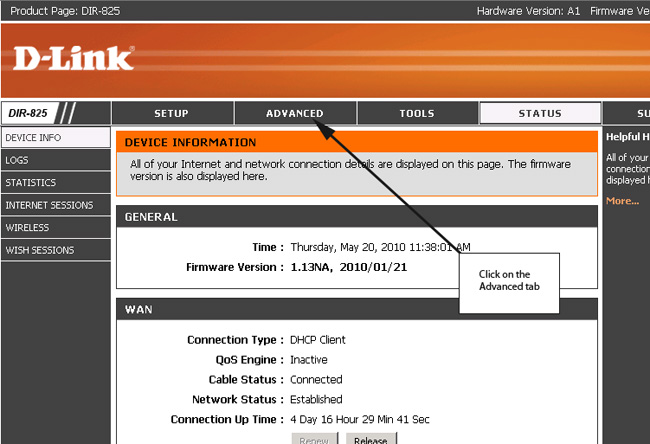
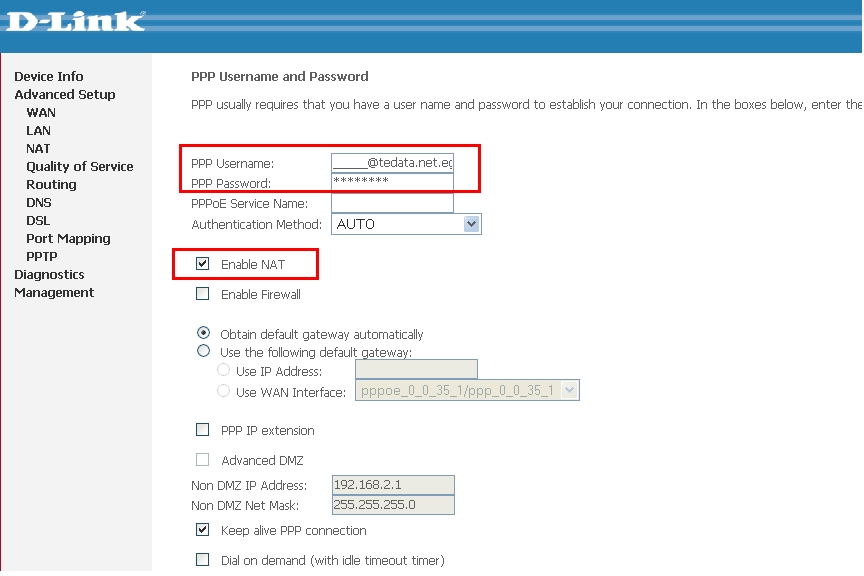
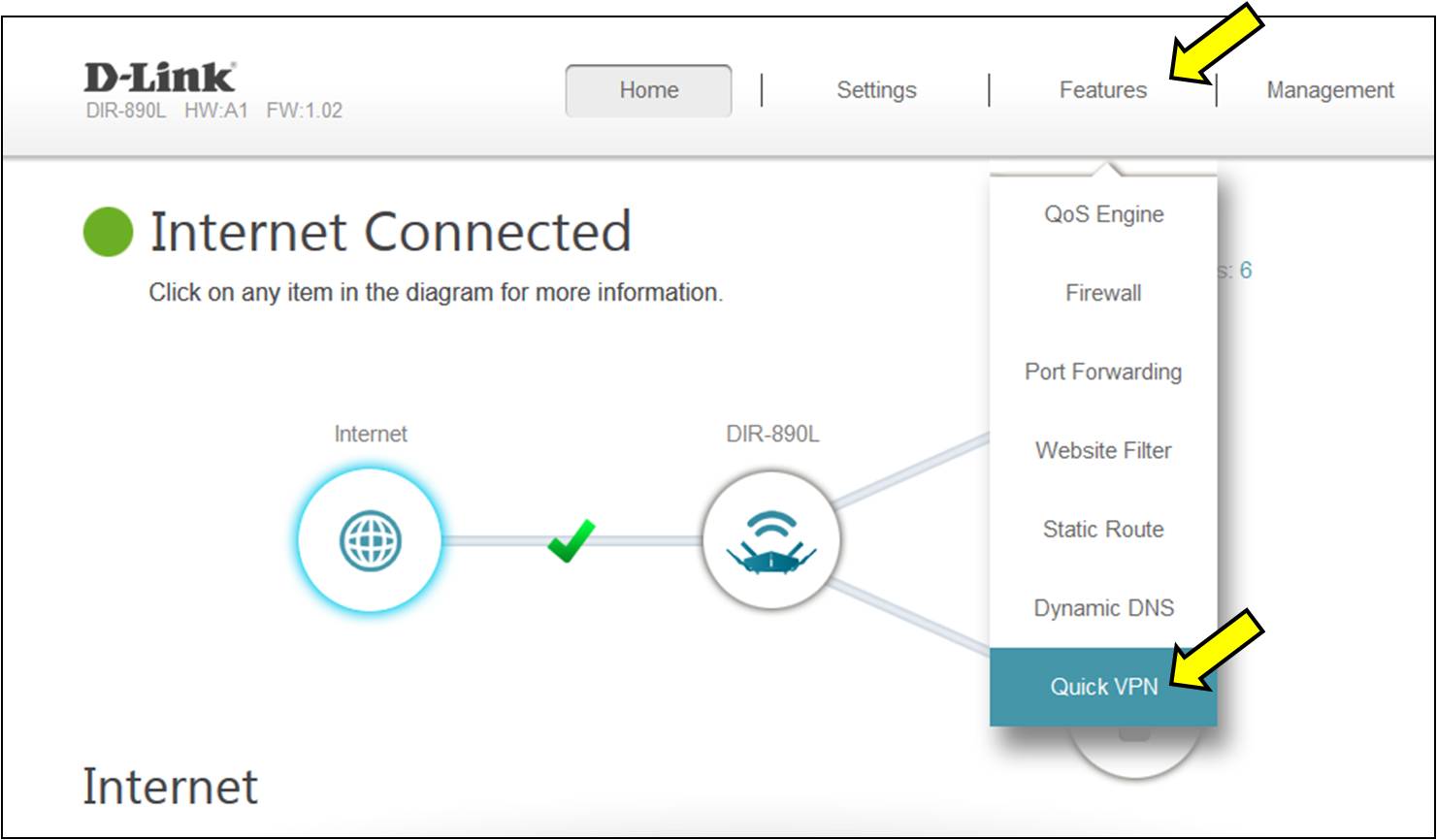
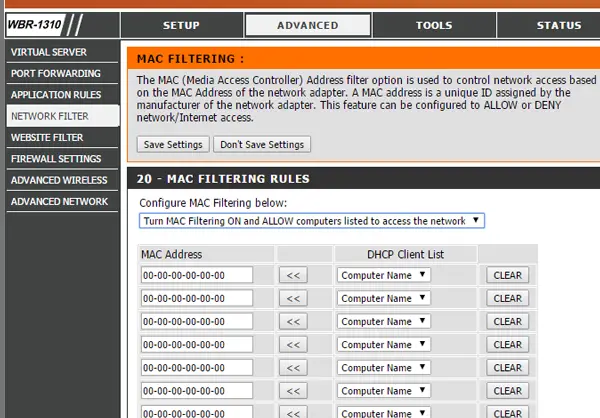
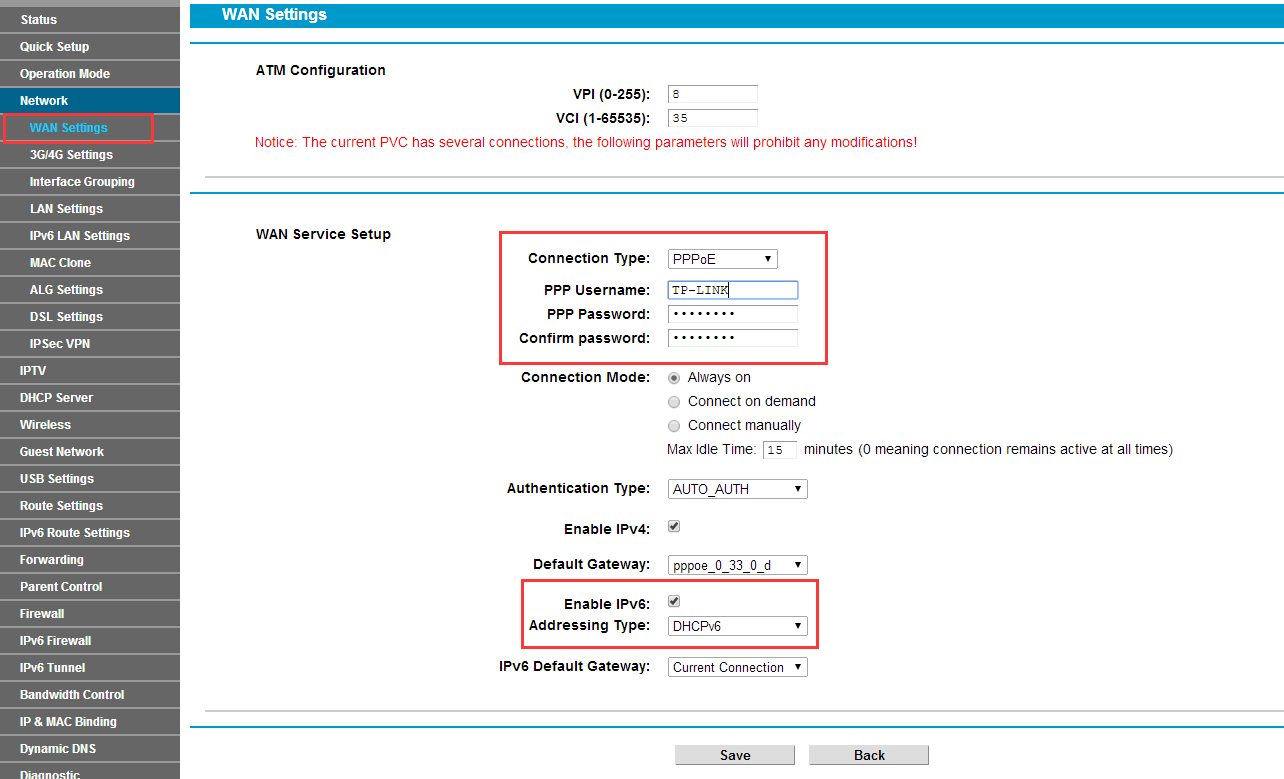
Once the setup wizard has been completed, it's time to configure your router. You can access your router's web interface by typing its IP address into your web browser. From there, you can adjust a variety of settings to optimize your network's performance.