D-Link Router Configuration Manual: A Step-by-Step Guide
The D-Link router is a powerful networking device that enables you to access your network using a wireless connection from virtually anywhere within the operating range of your wireless network. However, configuring the router can be a daunting task, especially for beginners. In this article, we will provide a comprehensive D-Link router configuration manual that will guide you through the process of setting up and configuring your D-Link router.
Why Do You Need to Configure Your D-Link Router?
Configuring your D-Link router is essential to ensure that it functions correctly and provides a secure connection to the internet. By configuring your router, you can:
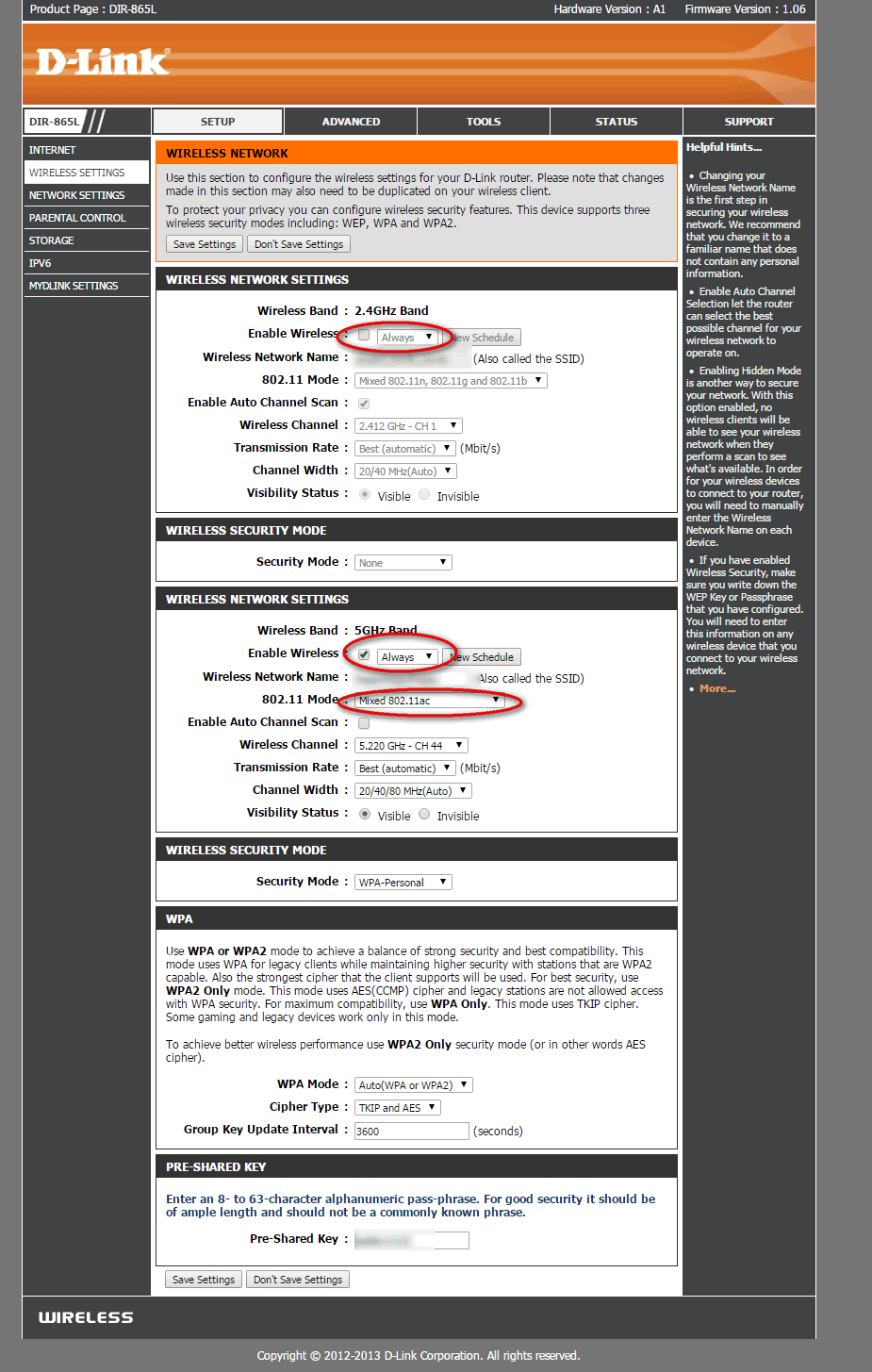
- Set up your wireless network and secure it with a strong password
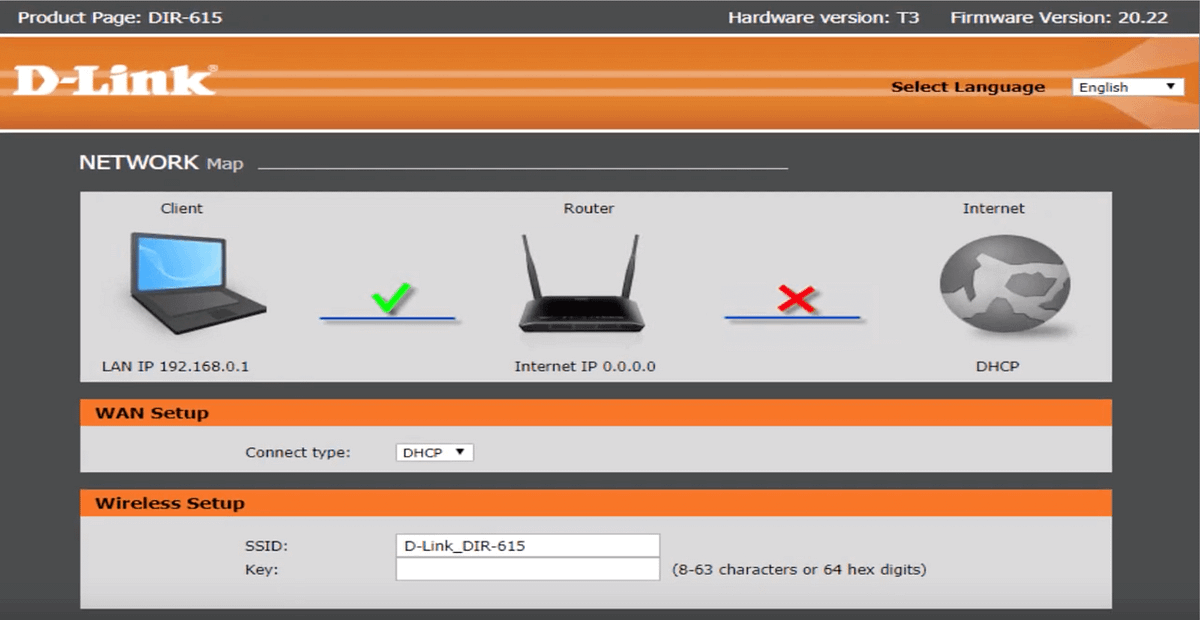
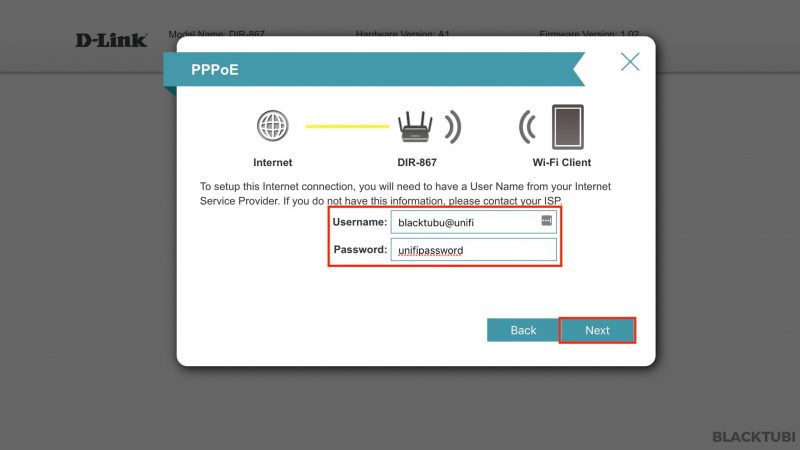
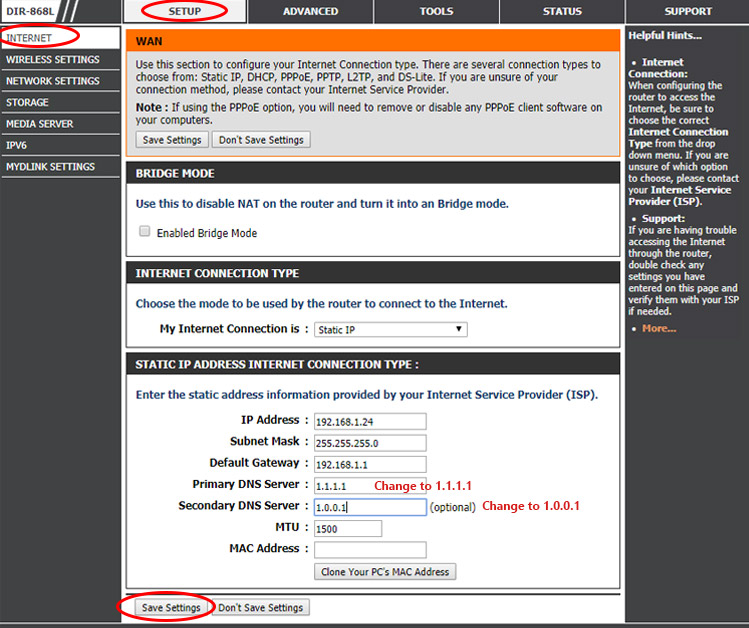
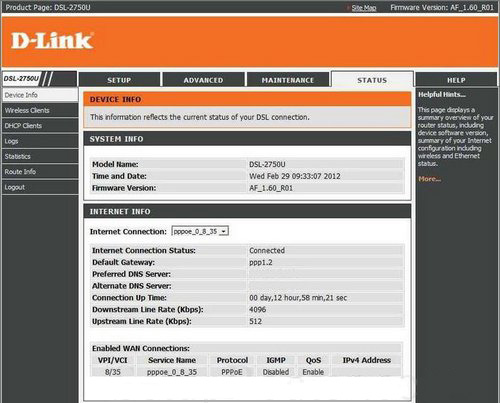
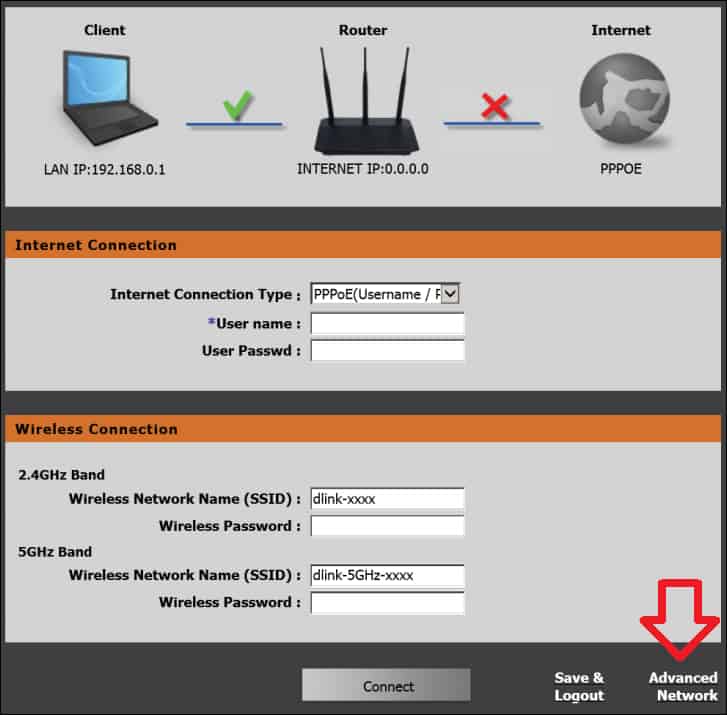
- Configure your internet connection settings
- Set up Quality of Service (QoS) to prioritize traffic and ensure smooth network performance
- Configure parental controls to restrict access to certain websites and content
Before You Begin

Before you start configuring your D-Link router, make sure you have the following:
- A computer or mobile device with a web browser
- The D-Link router's user manual
- The D-Link router's IP address (usually 192.168.0.1 or 192.168.1.1)
Step 1: Connect to the Router
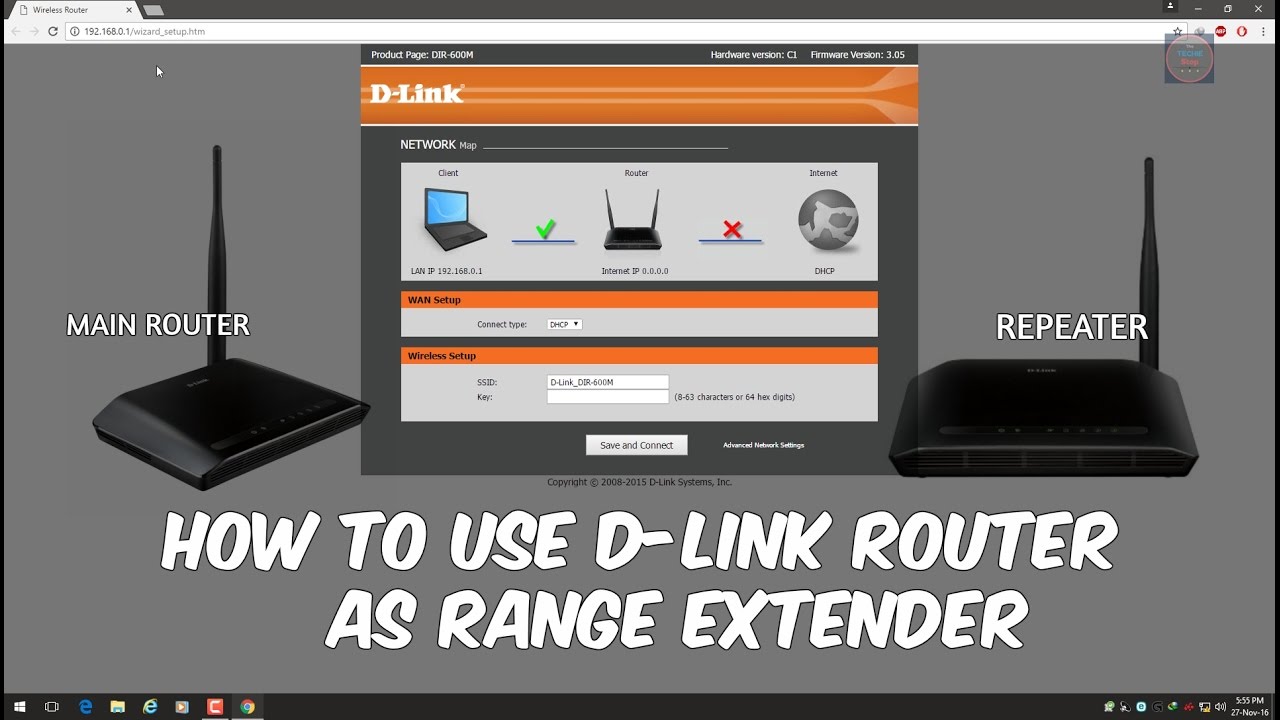
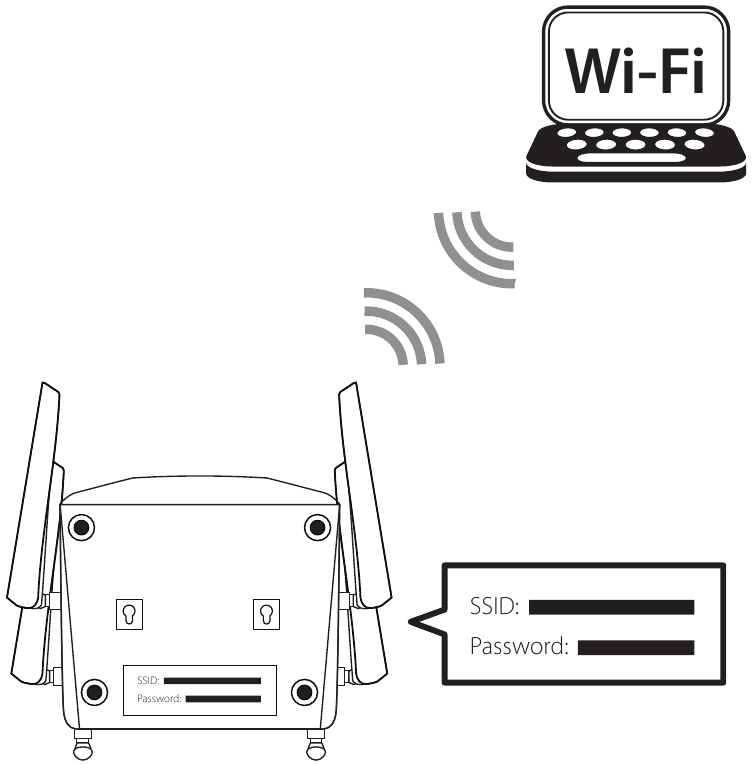
Connect to the router using a web browser by typing the router's IP address in the address bar. The default username and password are usually printed on the underside of the router or in the user manual.