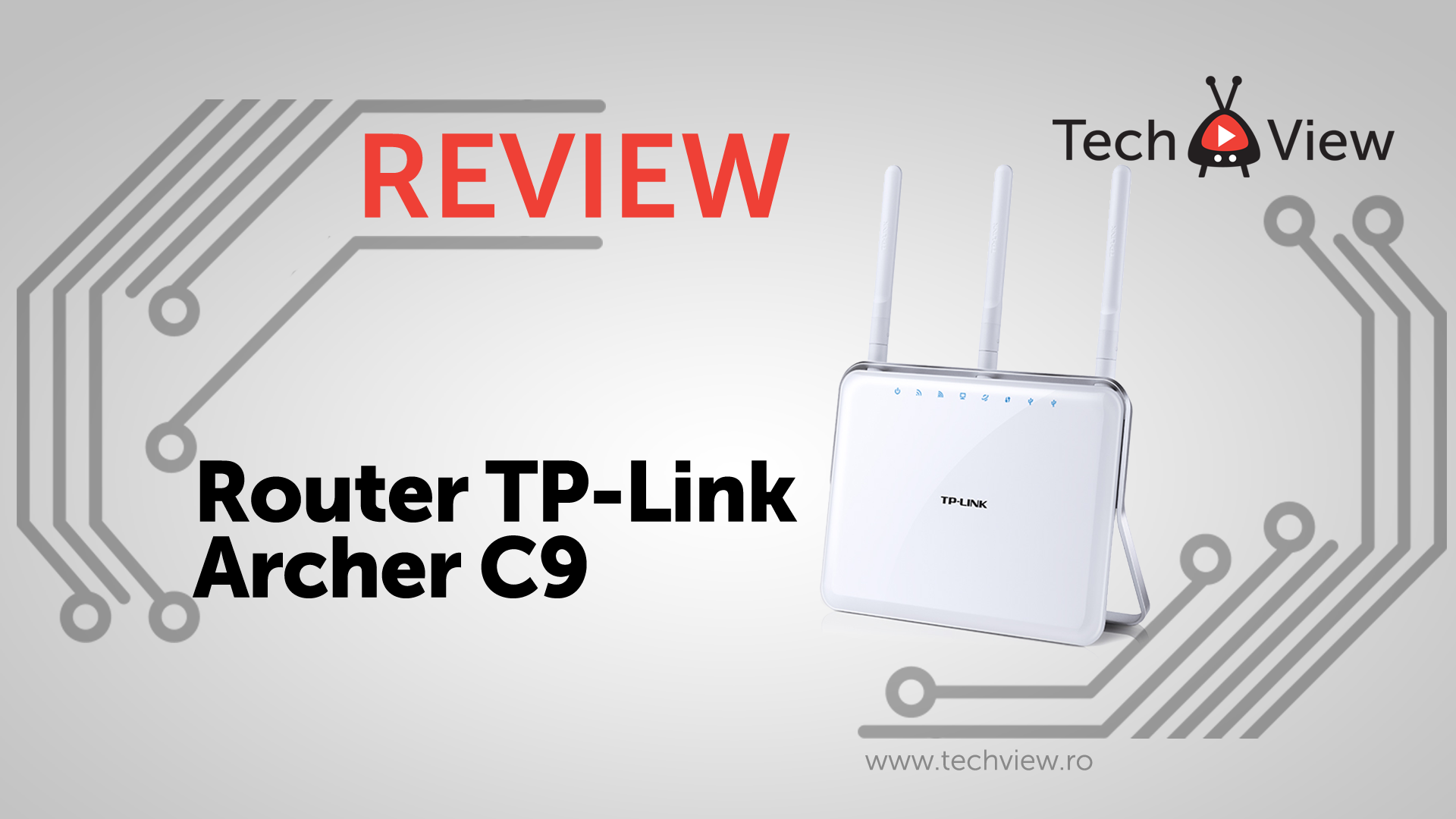
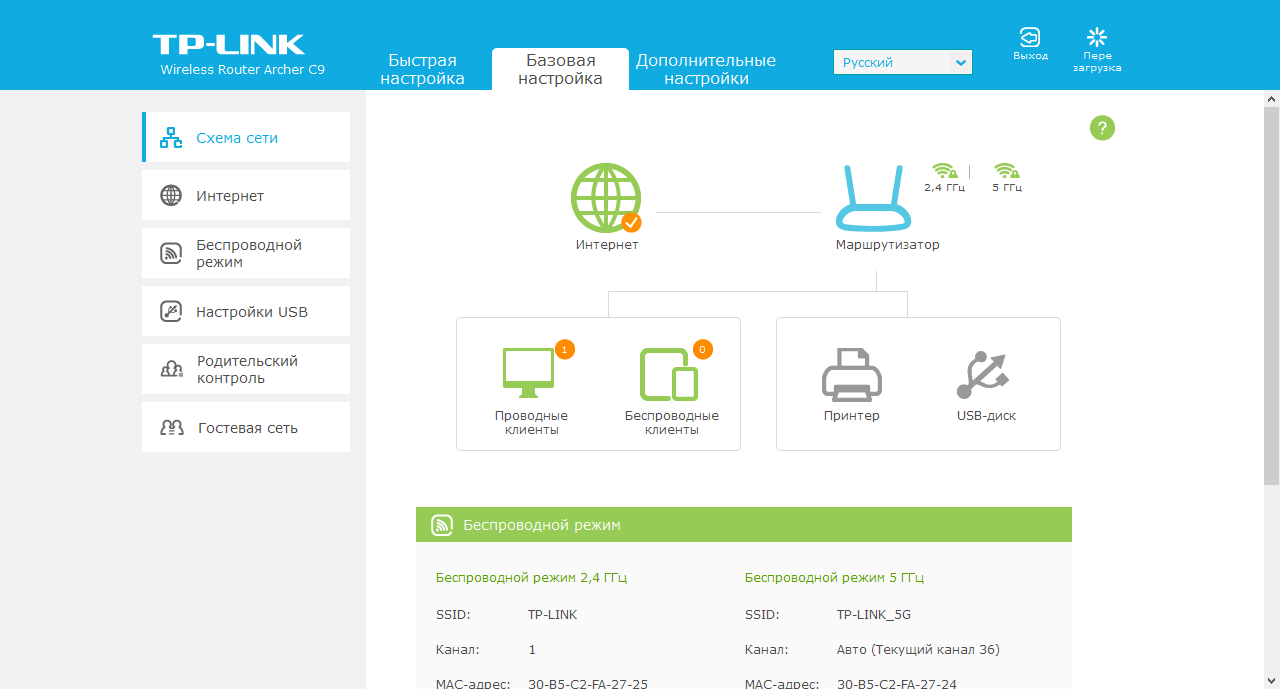
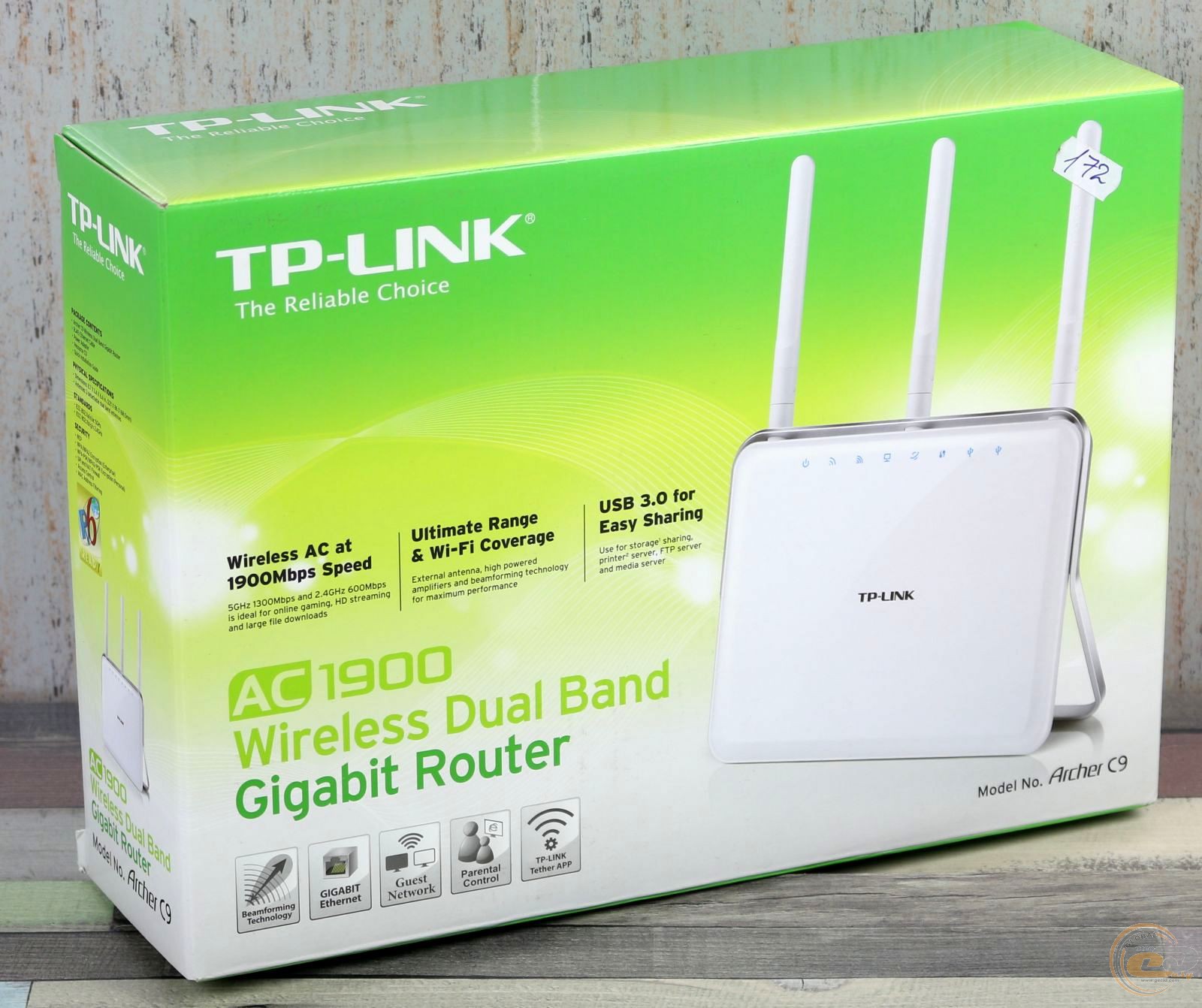
Access Point Setup On TP-LINK Archer C9: A Comprehensive Guide
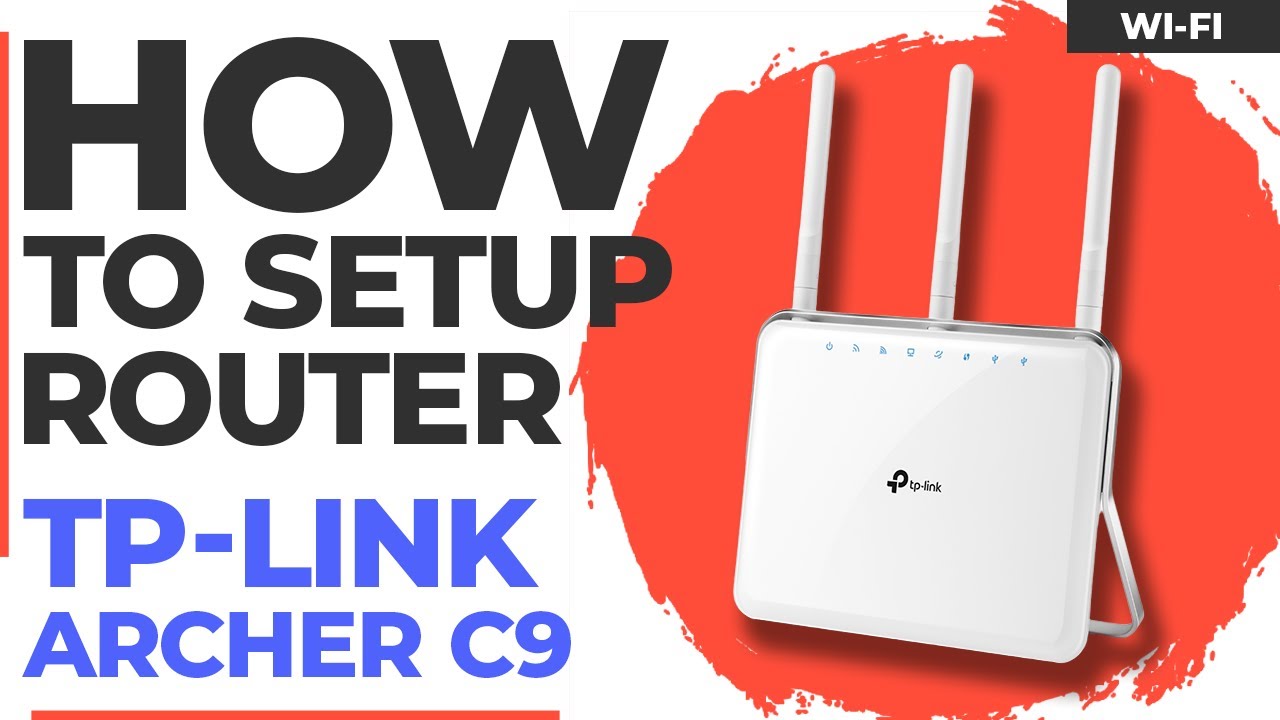
Are you looking to expand your wireless network coverage by turning your TP-Link Archer C9 router into an access point? In this article, we will guide you through the process of setting up your TP-Link Archer C9 as an access point, ensuring seamless internet connectivity and improved network performance.
Understanding the TP-Link Archer C9
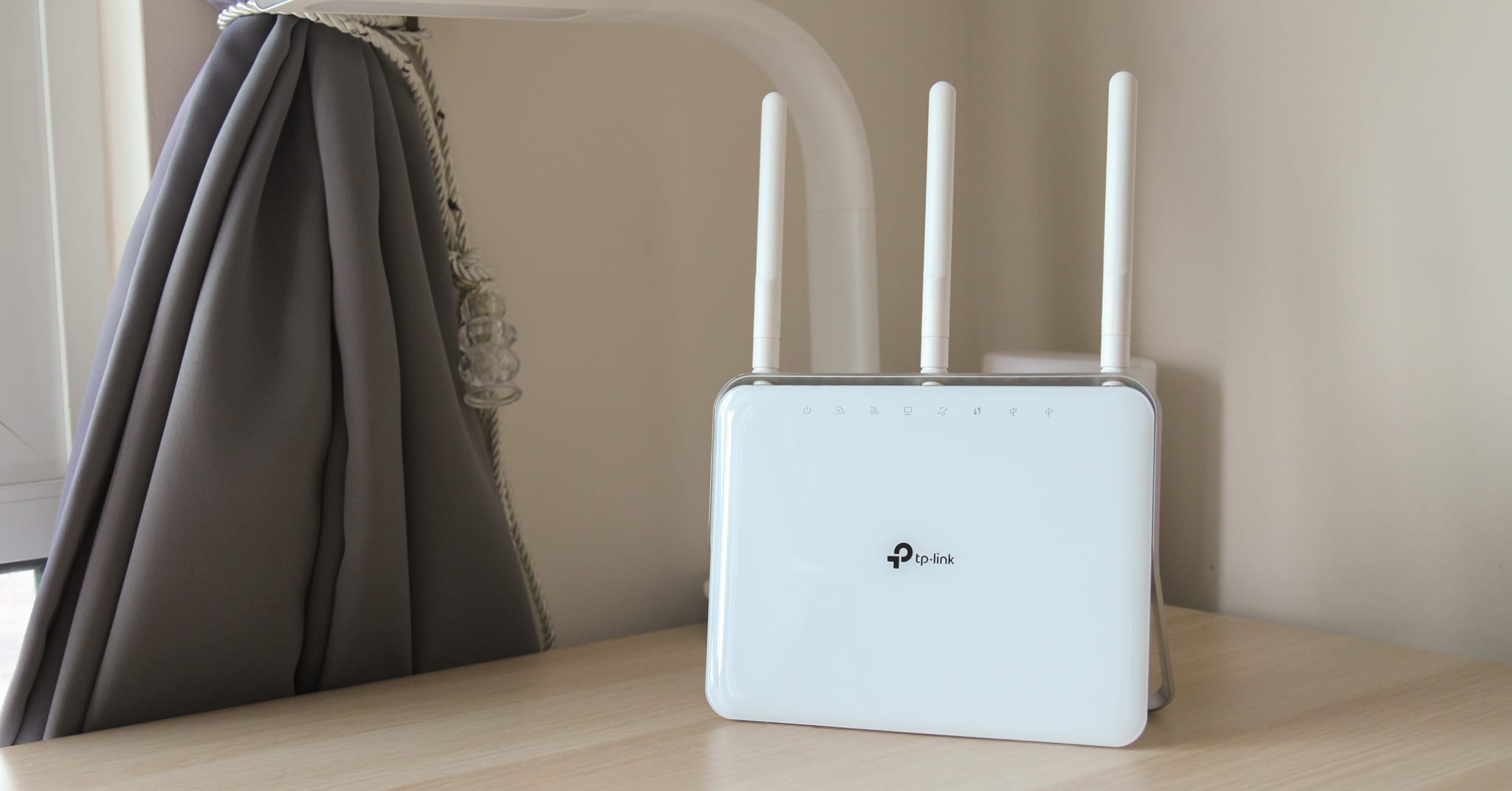
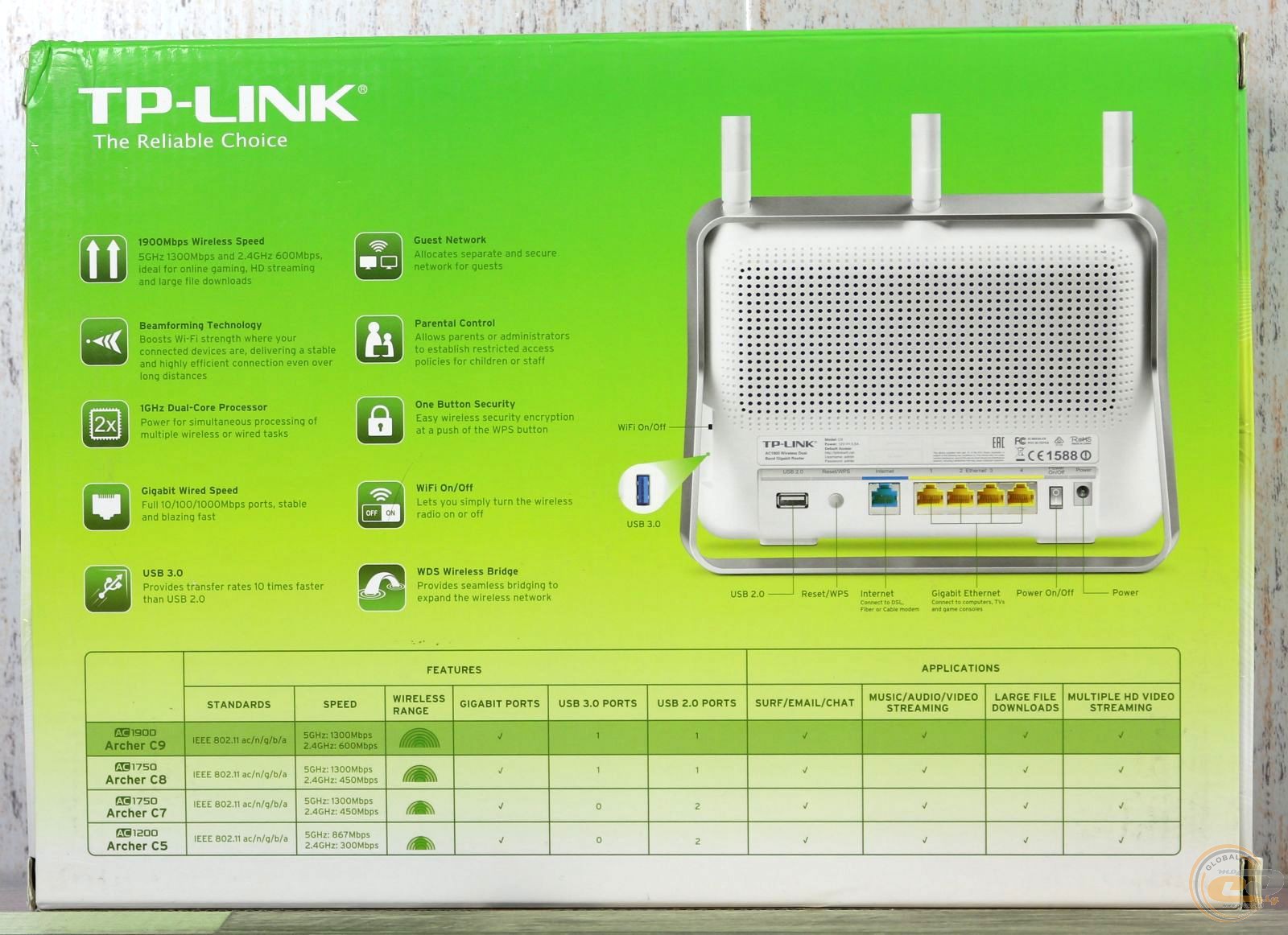
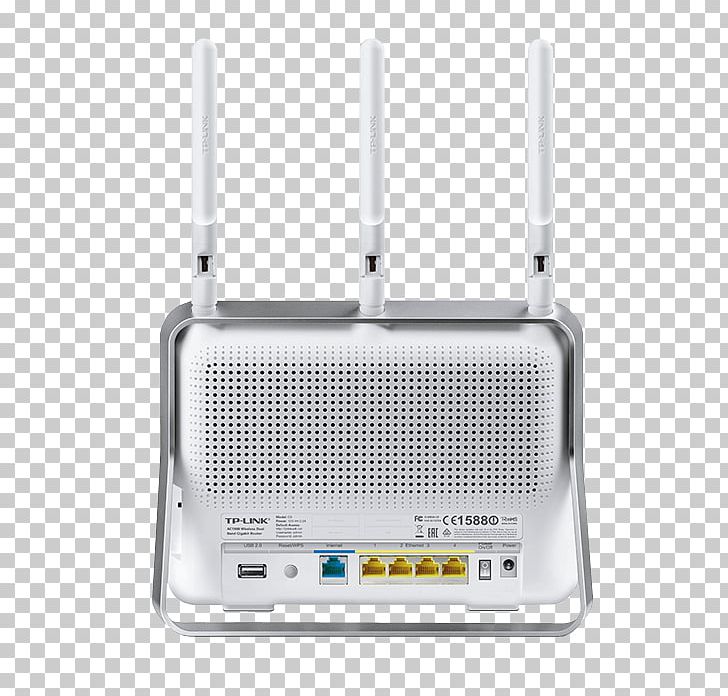
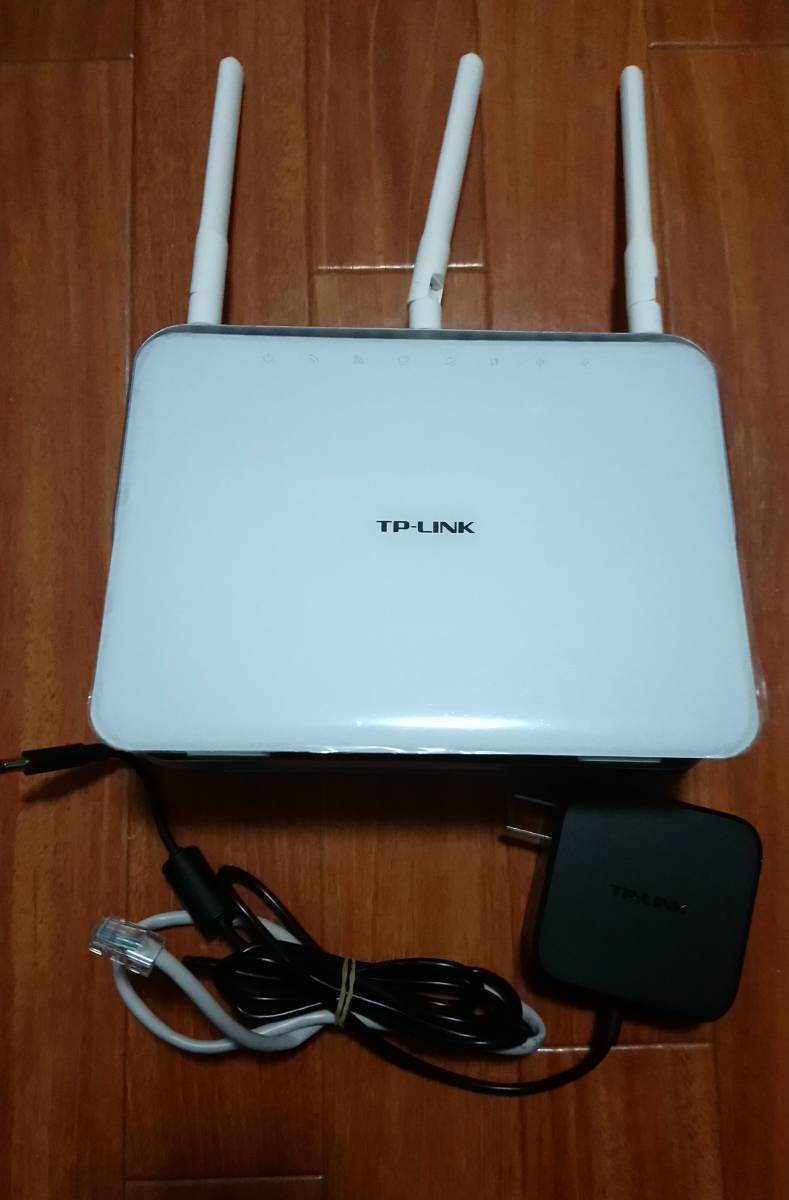
The TP-Link Archer C9 is a powerful wireless router that offers fast speeds, excellent coverage, and advanced features. With its dual-band Wi-Fi capability, the Archer C9 can support both 2.4GHz and 5GHz frequencies, making it an ideal choice for streaming, gaming, and everyday internet use.
Access Point Mode on TP-Link Archer C9
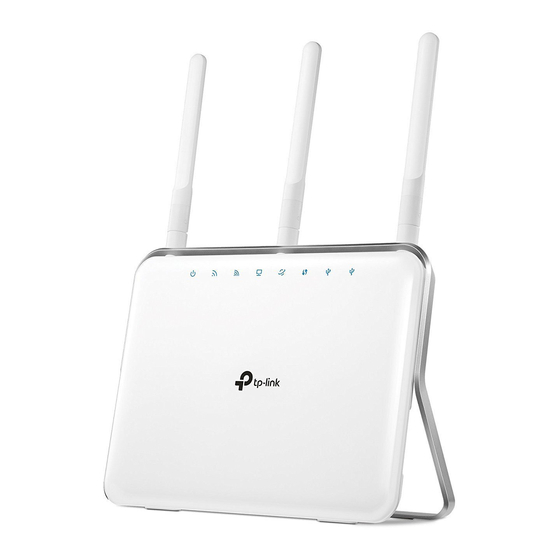
The access point mode on the TP-Link Archer C9 allows you to transform your wired connection into a wireless network, extending your existing network coverage and improving connectivity. By setting up your Archer C9 as an access point, you can enjoy a stronger and more reliable wireless signal, perfect for large homes, offices, or commercial establishments.
Prerequisites for Access Point Setup
Before setting up your TP-Link Archer C9 as an access point, ensure that you meet the following prerequisites:
- You have a TP-Link Archer C9 router.
- You have a wired connection (Ethernet cable) to connect the router to your main router or network switch.
- You have a computer or device connected to the same network as the TP-Link Archer C9.
- You have the latest firmware installed on the TP-Link Archer C9.