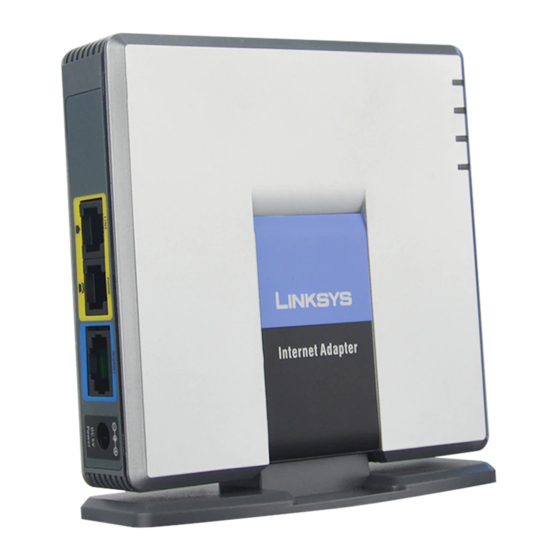
Step-by-Step Guide to Linksys G Router Setup
Setting up a Linksys G router is a relatively straightforward process that requires a few simple steps. In this comprehensive guide, we'll walk you through the process of configuring your Linksys Wireless-G Broadband Router for a secure and efficient network setup. Our Linksys G router setup guide will cover everything from accessing the router settings to optimizing your network for optimal performance.
What is the Linksys G Router?
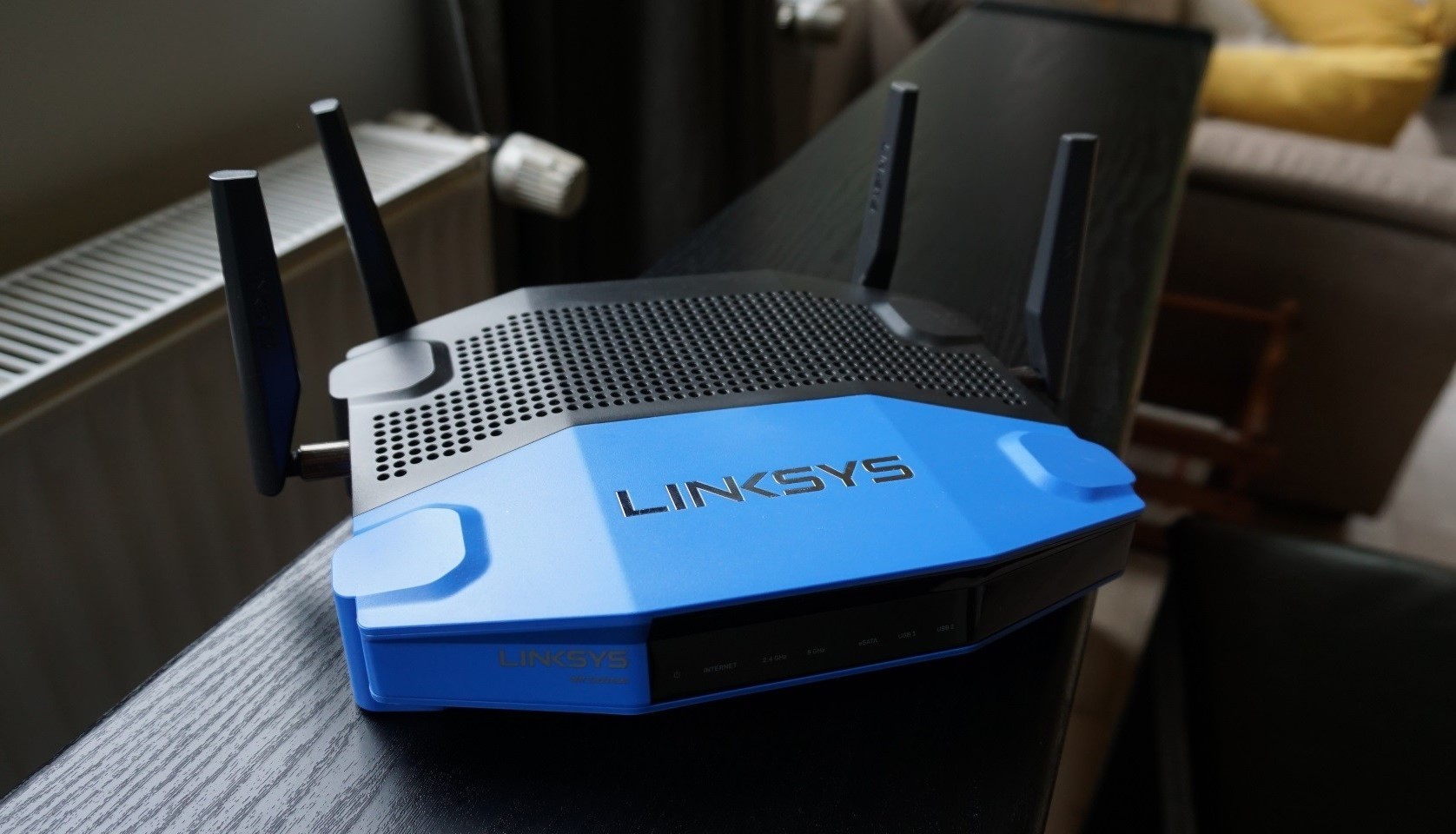
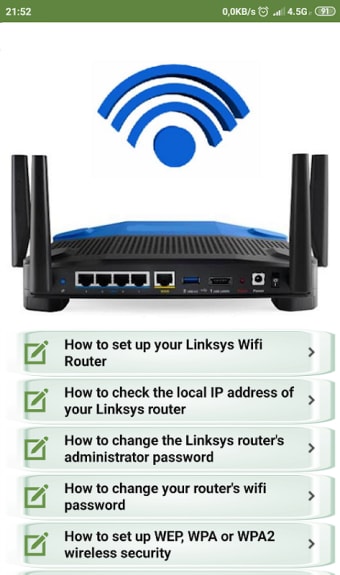
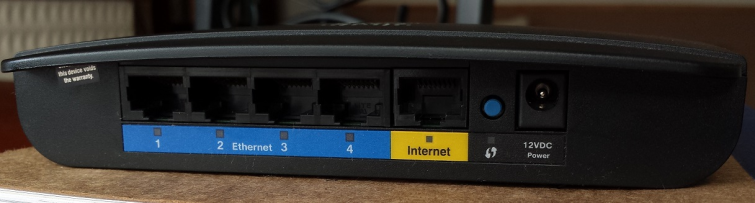
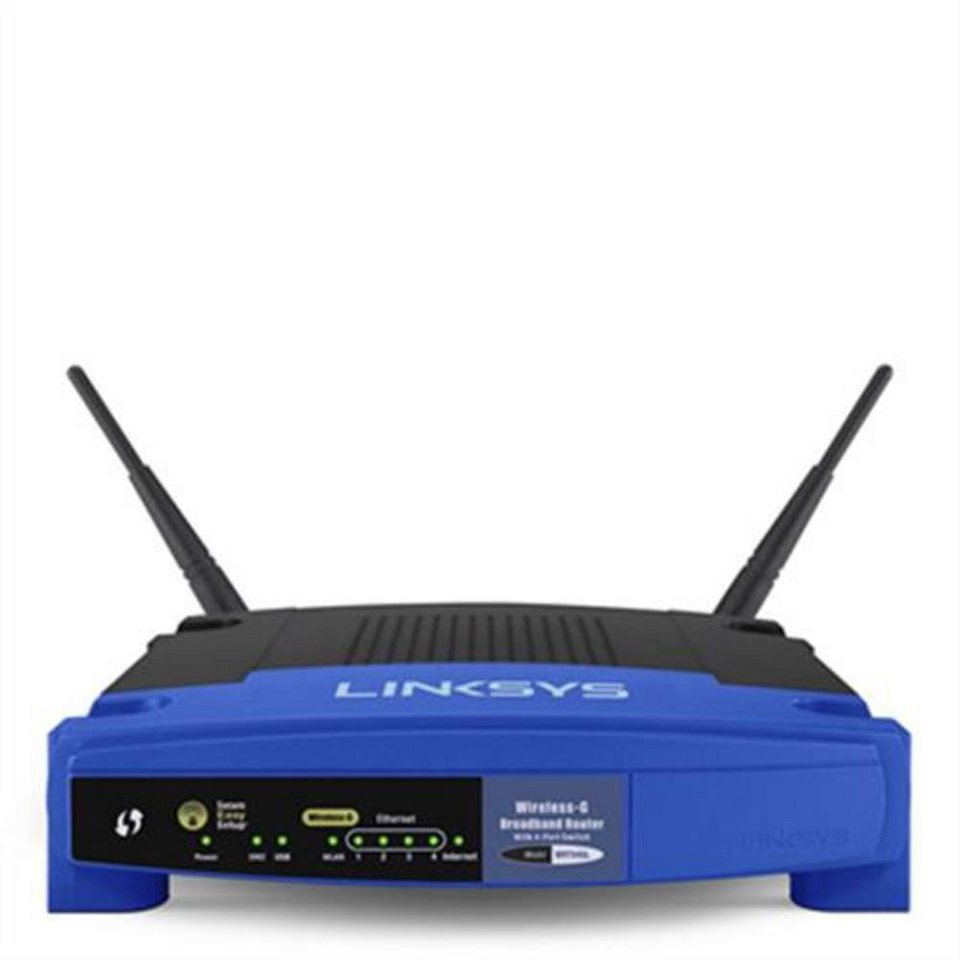
The Linksys G router, also known as the WRT54G, is a wireless broadband router that allows you to access the Internet via a wireless connection, broadcast at up to 54 Mbps, or through one of its four switched ports. This router is designed to provide a secure and efficient network for both home and office use.
Pre-Setup Requirements
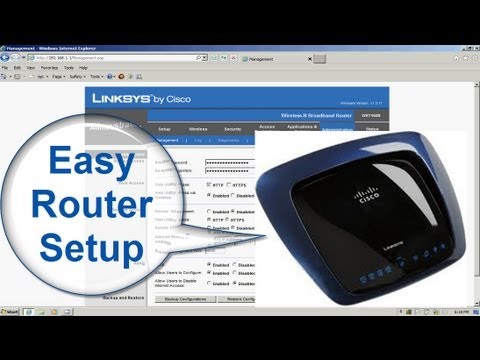
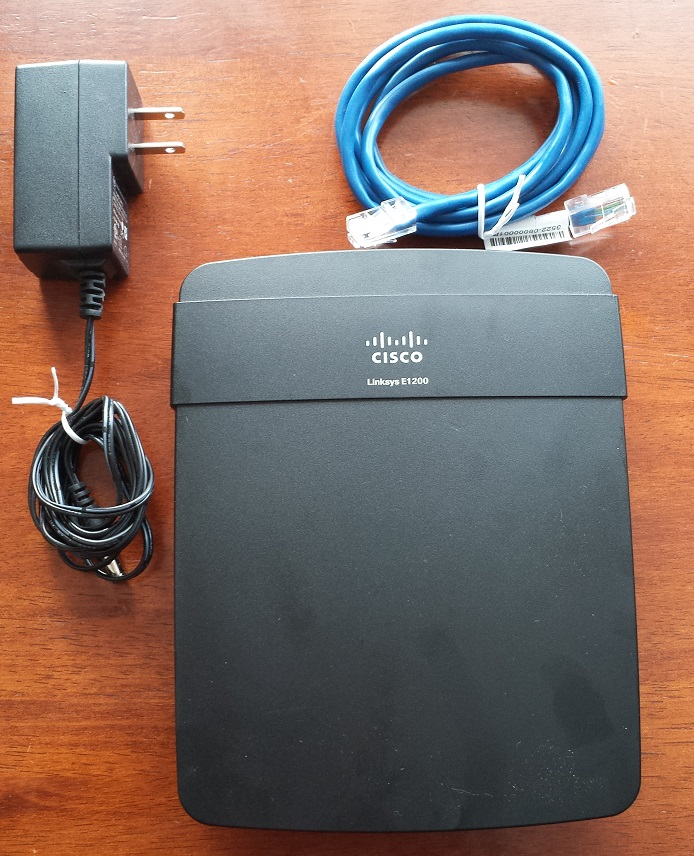
- Make sure you have your Linksys G router and the required power cord.
- Connect your modem to the router using an Ethernet cable.
- Place the router in a central location for optimal coverage.
- Ensure all devices are turned off before proceeding with the setup process.
Step 1: Accessing the Router Settings
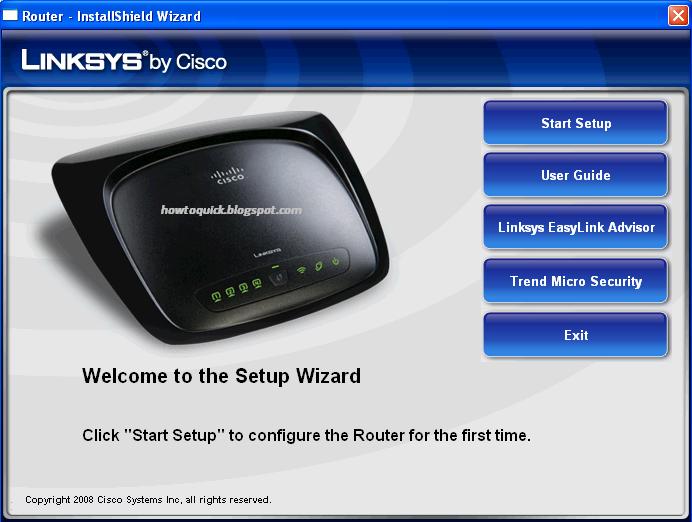
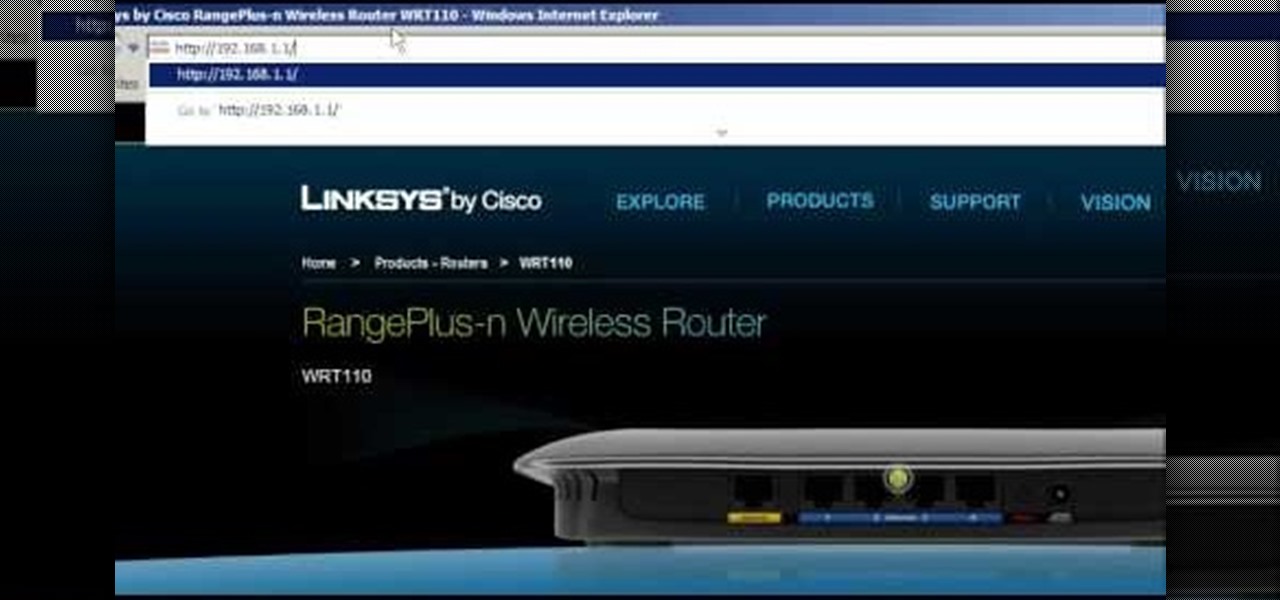
Accessing the Linksys router settings is the first step in the Linksys G router setup guide. You can do this using a computer with a web browser. Make sure to follow the instructions in your user manual or on the Linksys website for specific instructions.