Cisco IOS Router Configuration Commands: A Comprehensive Guide
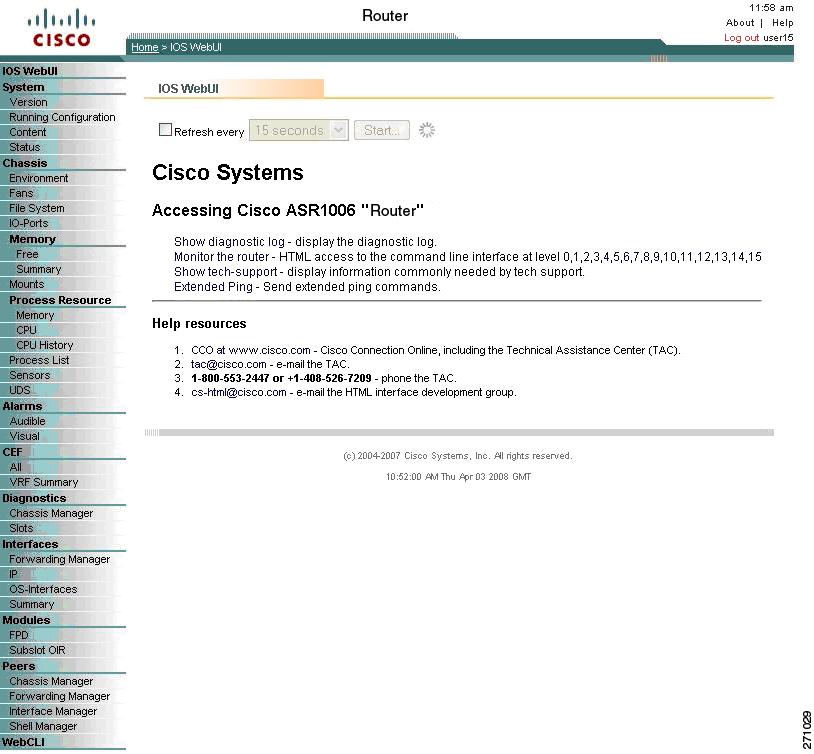
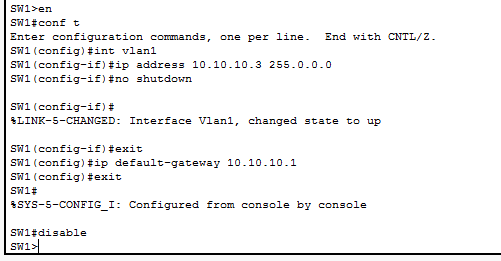
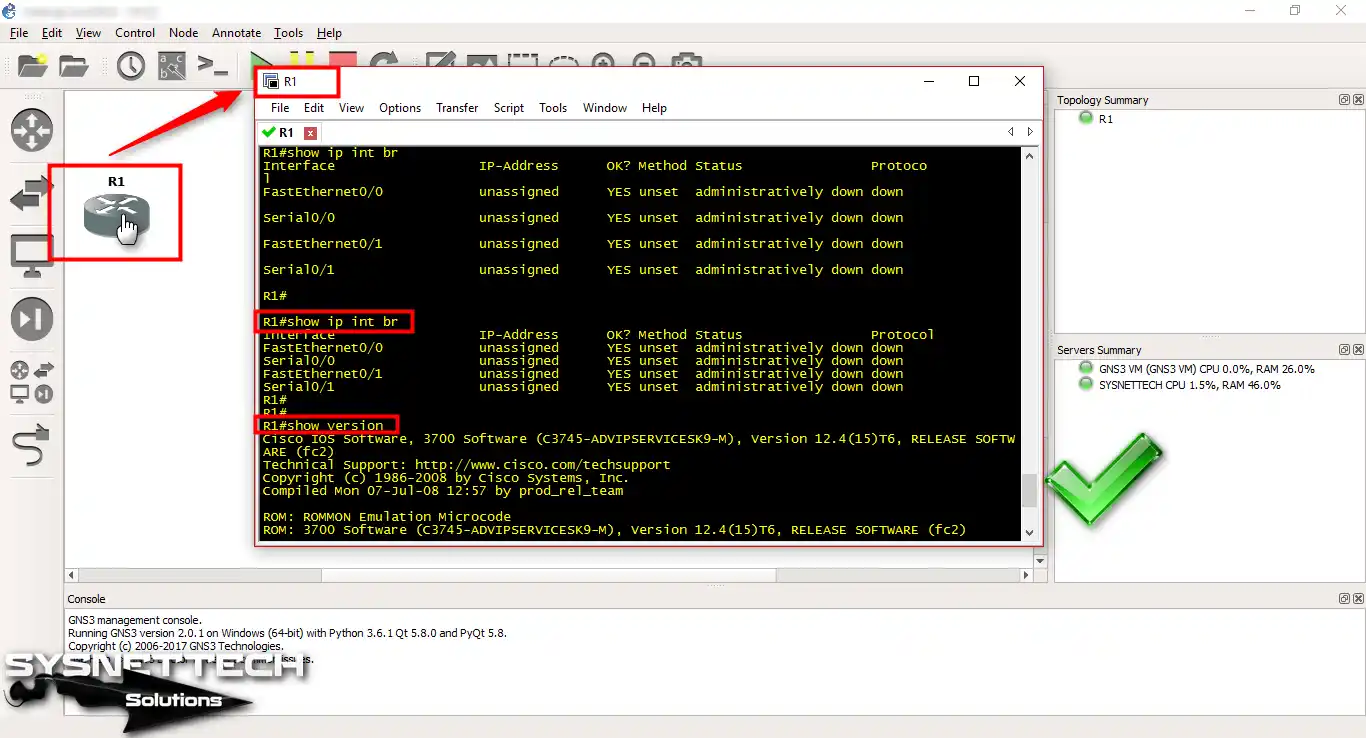
The Cisco IOS Command-Line Interface (CLI) is the primary user interface used for configuring, monitoring, and maintaining Cisco devices. This user interface allows users to directly and simply execute Cisco IOS commands, whether using a router console or terminal, or using remote access methods.
Mastering Cisco IOS Router Configuration Commands
The Cisco IOS CLI is the main user interface for configuring, maintaining, and troubleshooting most Cisco devices. From this user interface, users can directly execute all Cisco IOS commands, and it doesn't matter how they reach the Cisco IOS platform; they can enter any CLI command from a remote, console, or terminal interface.
Understanding Cisco IOS Router Configuration Modes
On a Cisco router, from global configuration mode, users can also access two following configuration modes:

R1(config-rtr)#
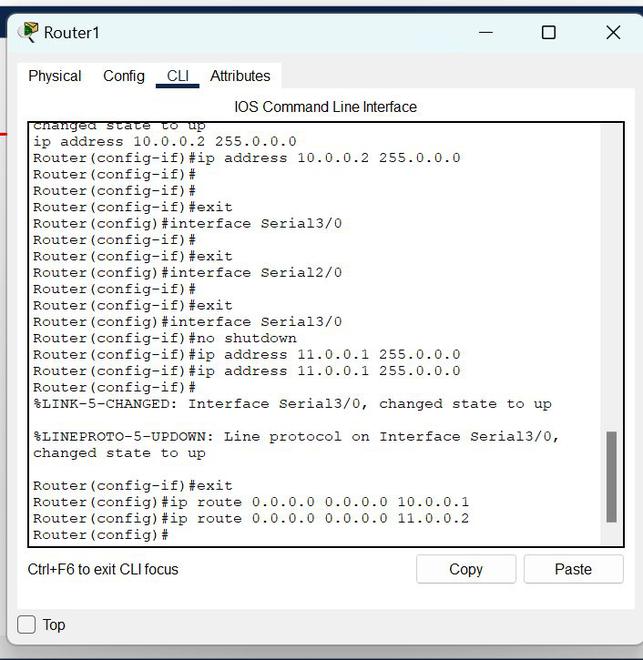
The basic commands available in the IOS Cisco CLI used by the router are described here. Some Cisco IOS commands allow users to perform more than one action. Users can also navigate up and down the hierarchy of IOS configuration levels (or modes). Some of the various levels are shown below:
- Global Configuration Mode
- Interface Configuration Mode
- Routing Configuration Mode
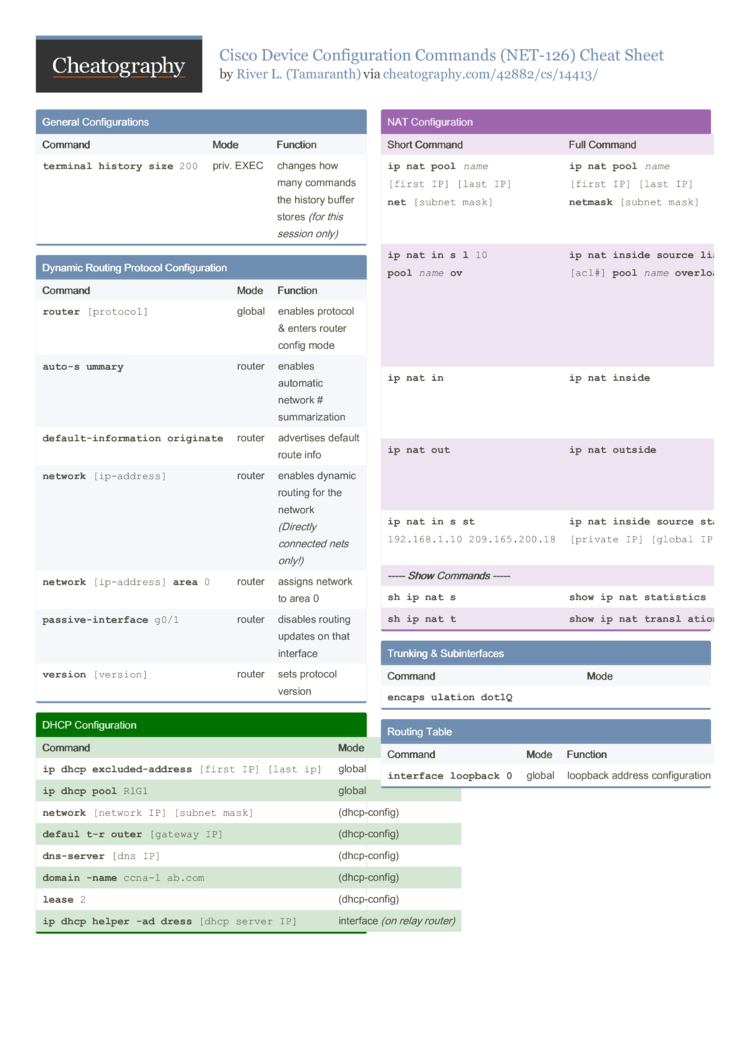
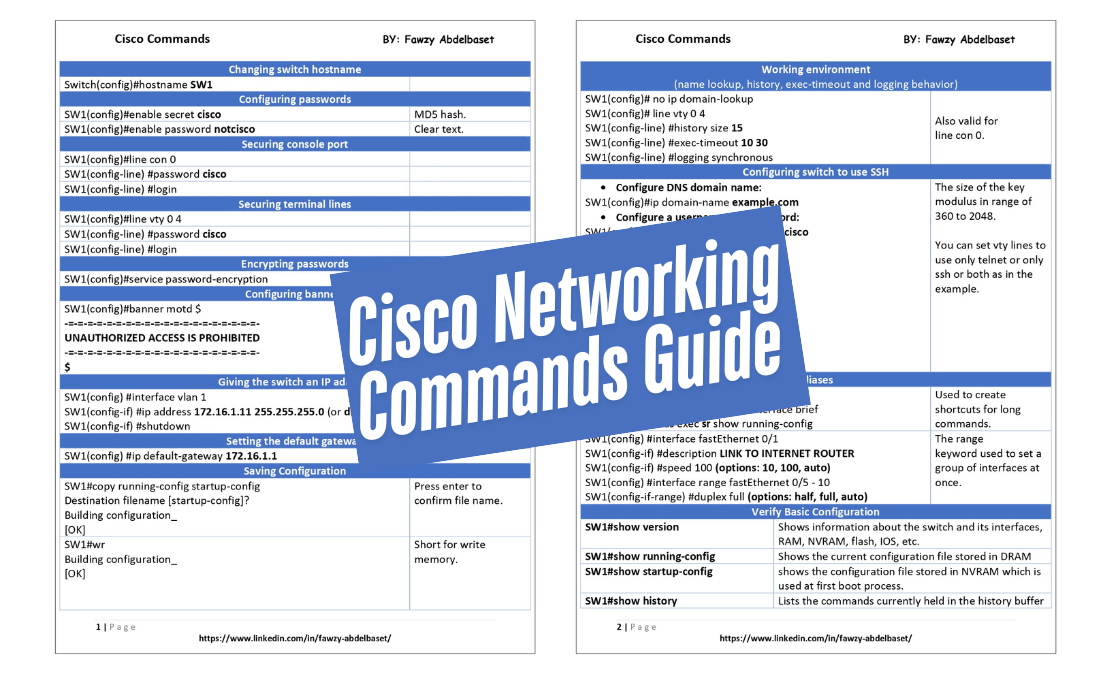
Cisco IOS Router Configuration Commands Cheat Sheet
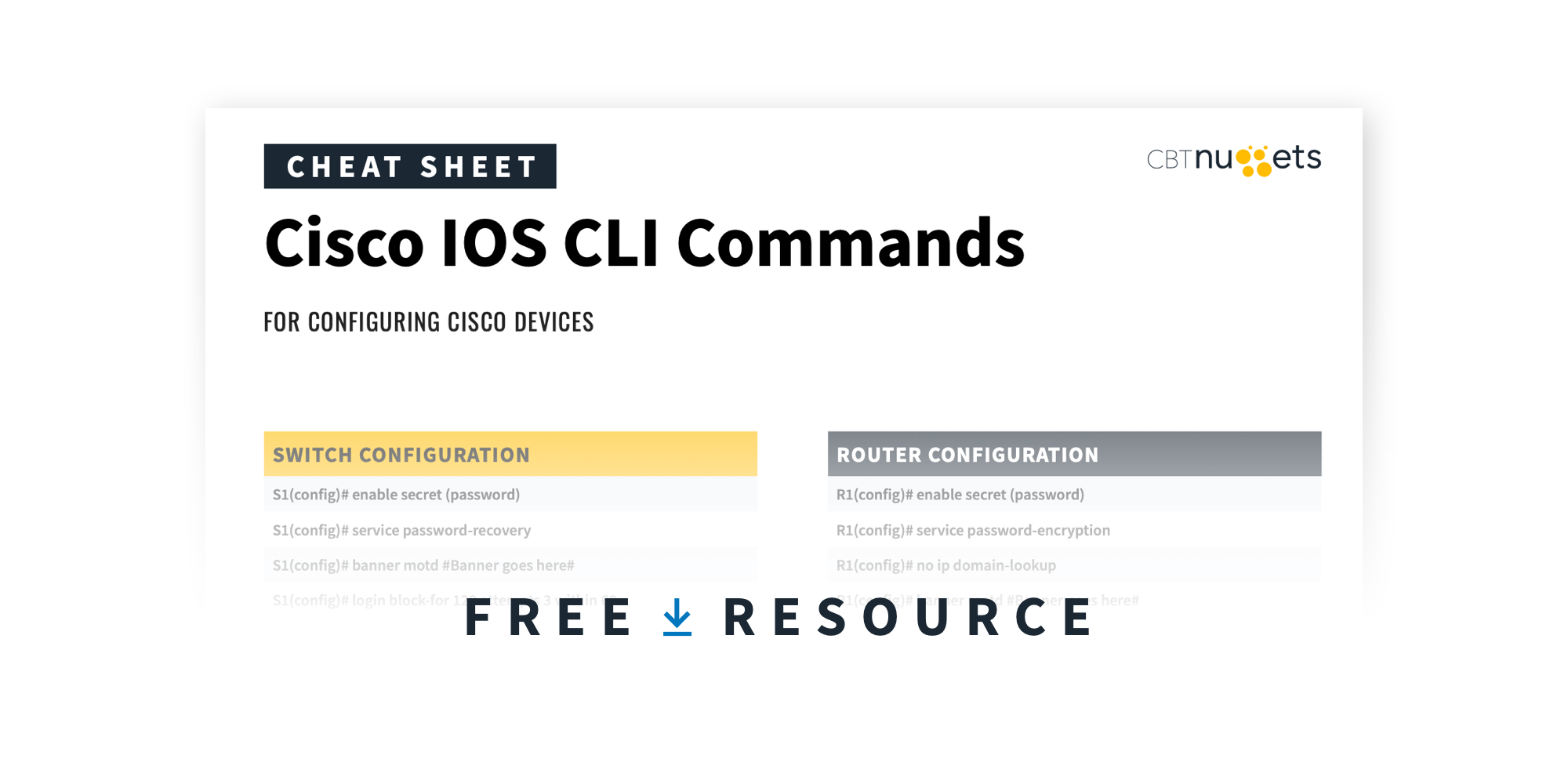
Download this Cisco Router Configuration Commands Cheat Sheet in PDF format at the end of this post here. The most important CLI commands are included that will help users in the field.