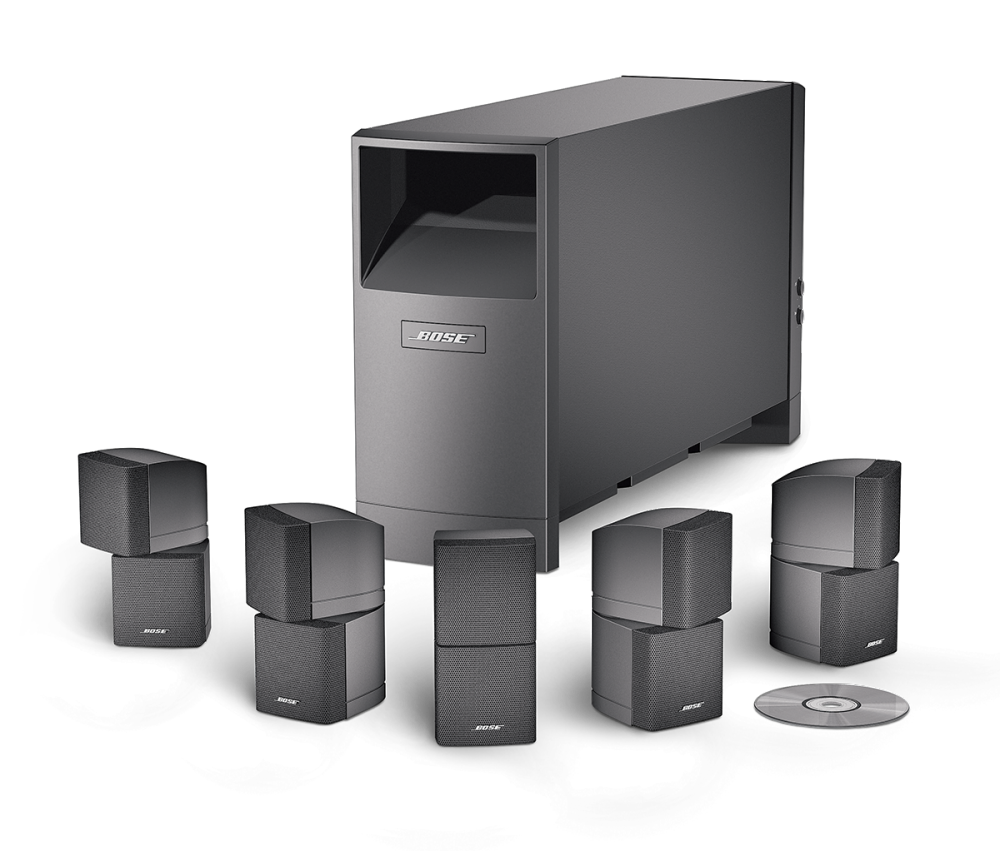
Home Theater Audio Installation Troubleshooting: Expert Tips for a Perfect Setup
Creating a home theater audio system that delivers exceptional sound quality requires careful planning, precise installation, and a dash of technical expertise. Unfortunately, even with the best equipment and setup instructions, issues can still arise, affecting your viewing experience. In this comprehensive guide, we'll walk you through the process of home theater audio installation troubleshooting, covering the most common problems and providing step-by-step solutions to ensure seamless entertainment.
Understanding Home Theater Audio Installation Troubleshooting
Home theater audio installation troubleshooting is a multi-step, multi-level process that requires users to have basic electrical knowledge and audio-visual equipment operation skills. It also demands a certain understanding of audio-video technologies, including signal routing, impedance matching, and crossover network calibration. By recognizing the interconnectedness of these systems, you can tackle issues more efficiently and restore your home theater to its former glory.

Common Issues and Troubleshooting Steps
Despite the complexity of home theater audio installation troubleshooting, most problems can be diagnosed with simple tests and resolved through calibration, acoustic treatment, or repositioning speakers without expensive equipment replacement. Here are some common issues you might encounter and how to address them:
-
Speaker Not Working or Sounding Off
Check for proper speaker connections, ensuring the speaker is powered on and connected to the correct output. Also, verify that the speaker is not muted or turned down too low. If the issue persists, try swapping the speaker with another one to rule out a faulty unit.
-
Audio Distortion or Buzzing
Check the speaker's cable connections for any signs of damage or wear. Also, ensure that the speaker's impedance is correctly matched to the amplifier's output. If the issue persists, try recalibrating the speaker's crossover network.
-
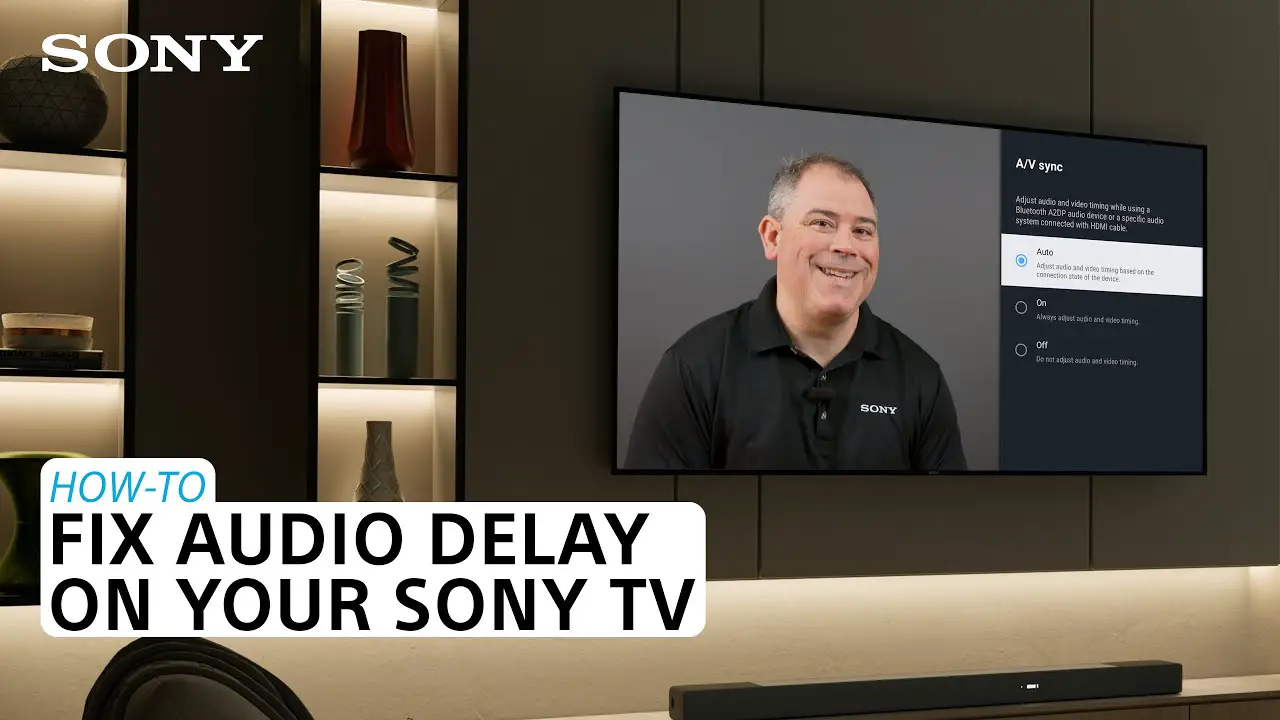
Audio Delay or Sync Issues
Check the audio signal routing, ensuring that the audio source is correctly connected to the amplifier or receiver. Also, verify that the display device (TV or projector) is correctly synced with the audio system. If the issue persists, try adjusting the sync settings or recalibrating the audio system.